


Electronics catalog ad examples
Electronics catalog ads convert on feature callouts and a desk or home scene, since shoppers need to see specs and ports pointed out as much as they need to see the device in a room they recognise. 13 AI-generated creatives in this collection, including Product Showcase with Right-Rail Callouts, Product Showcase with Dual-View Corner Callouts and Lifestyle & Product Horizontal Split.
At a glance
- Creatives
- 13
- Most common style
- Callout
- Most common format
- Square
- Most common season
- Black Friday
Narrow it down
13 creatives
 Product Showcase with Right-Rail CalloutsCallout
 Product Showcase with Dual-View Corner CalloutsCallout
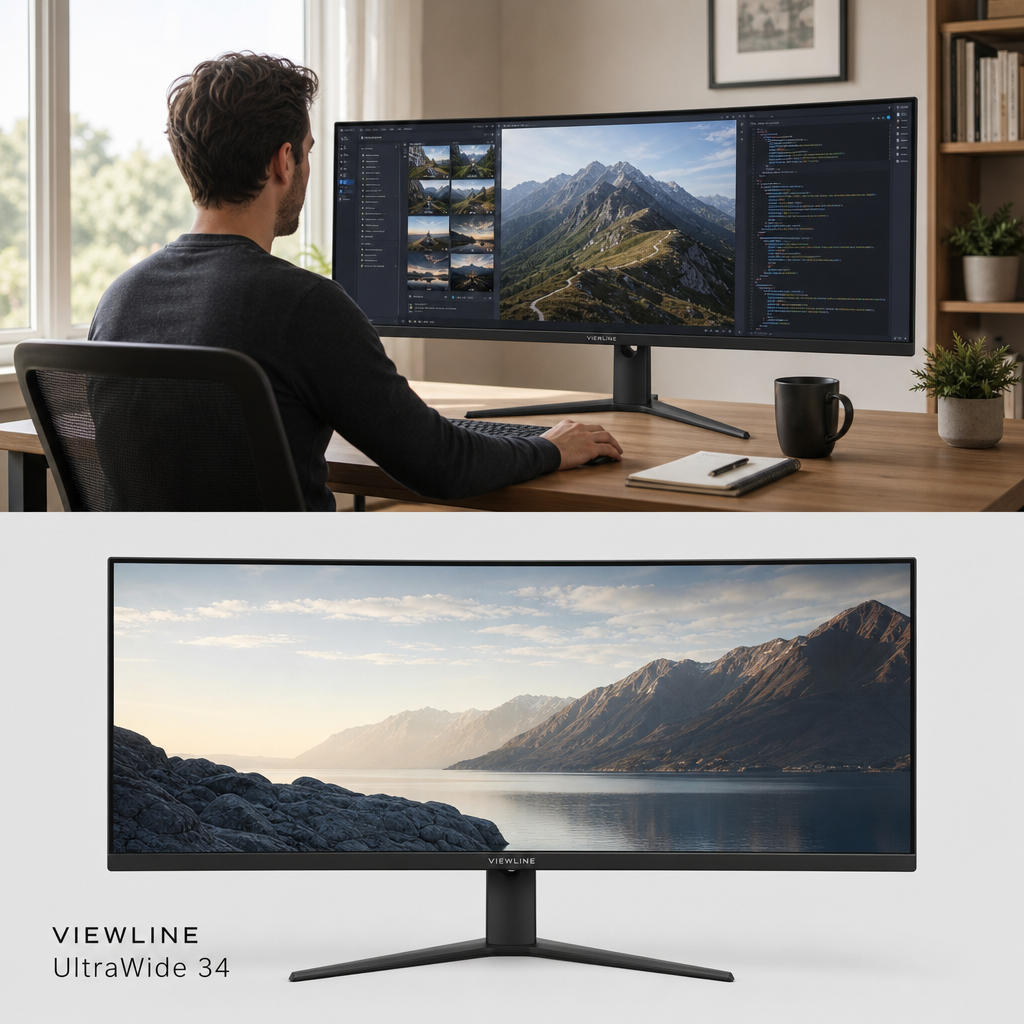 Lifestyle & Product Horizontal SplitLifestyle
 Lifestyle Overlay with Diagonal Header & Footer StripMixed
 Crusher® 720Callout
 Session® 540Callout
 Grom® WirelessBadge
 Apple Watch Ultra 4 GPS + Cellular, 49mm Black Titanium Case with Translucent Gray Ocean BandBadge
 AirPods Max 2Callout
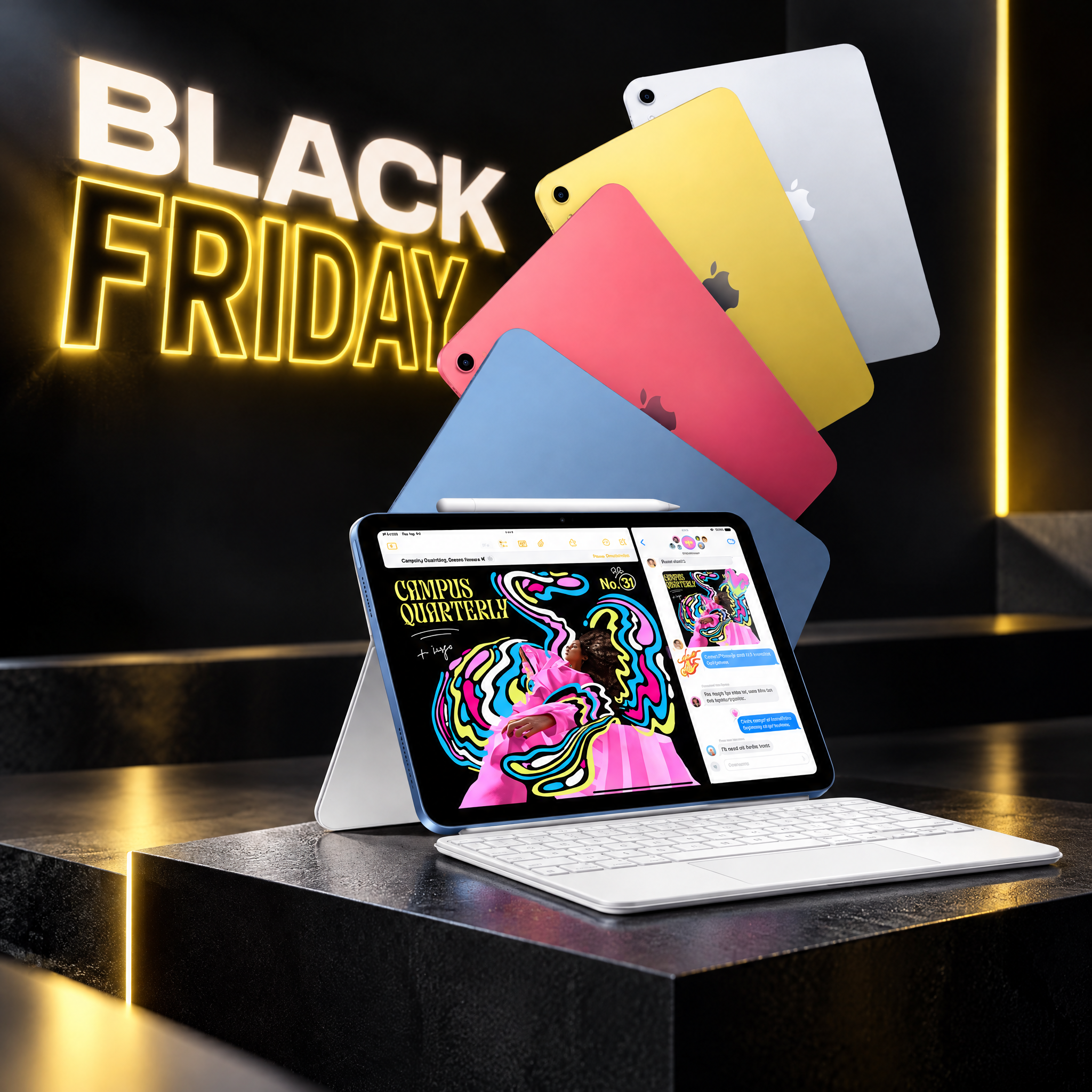 iPadMixed
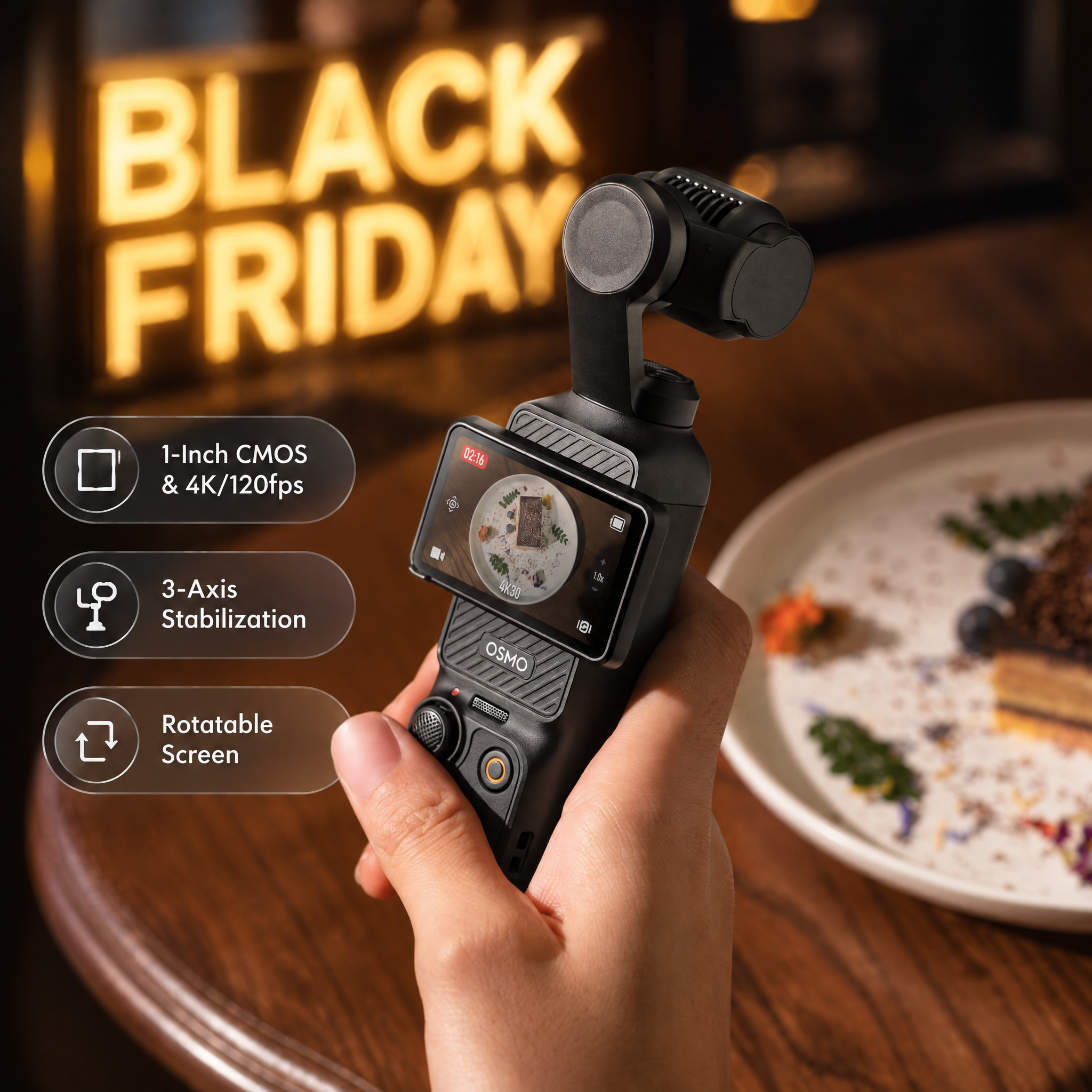 Osmo Pocket 3Badge
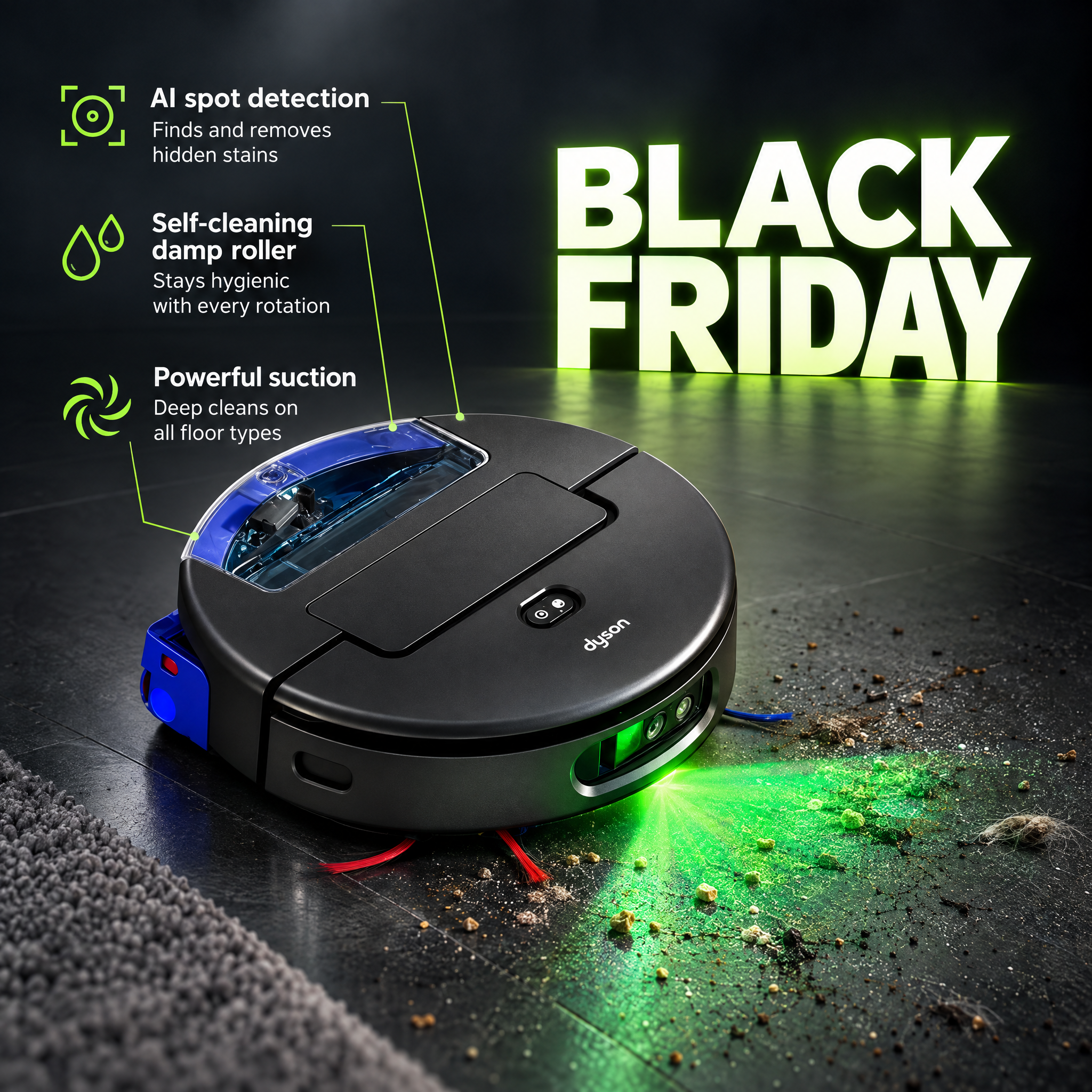 Dyson Spot+Scrub™ Ai nedves-száraz robotporszívóCallout
 DJI Flip Fly More Combo (DJI RC 2)Badge
Try it on your store
Build your own Electronics catalog ads
Paste your store URL — OptiQube drafts creatives in this style for your products in about a minute.
Electronics catalog ads: what works
- Why do callouts matter so much for electronics?
- Battery life, ports and compatibility are not visible in a photo alone; a short label pointing at the exact feature answers the question before the shopper has to search for it.
- What seasonal angle works for electronics?
- Back-to-school and Black Friday carry most of the seasonal volume, since laptops, headphones and accessories are both study and gift purchases in those windows.
- How does OptiQube keep screens and finishes accurate on devices?
- The device photo is preserved untouched, so screen reflections, port placement and finish colour match what actually ships, even when a callout points at a feature.


