
















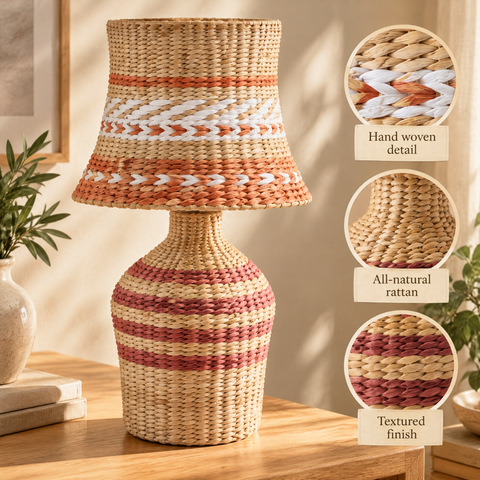

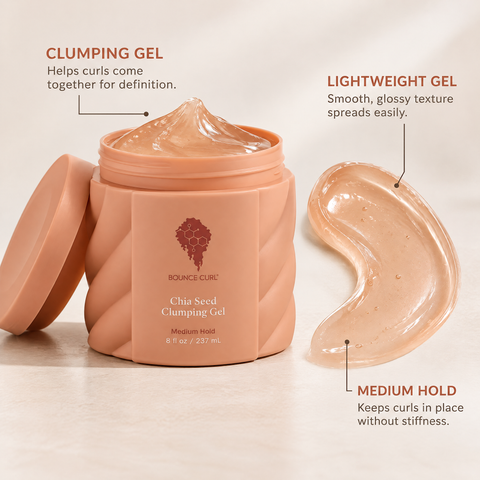

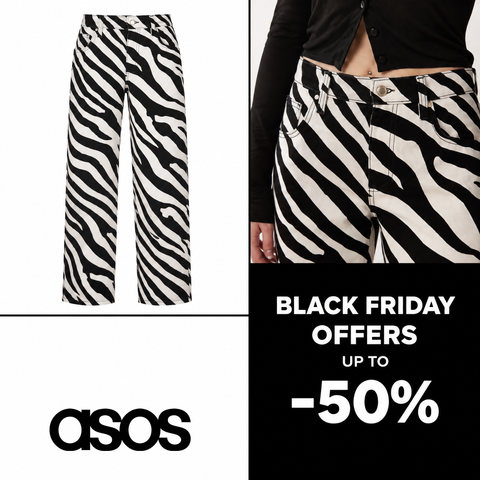

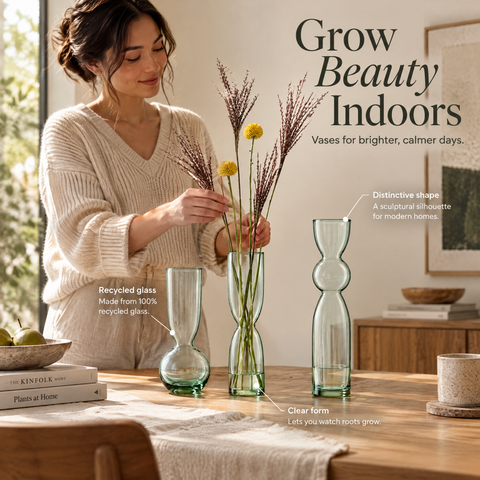












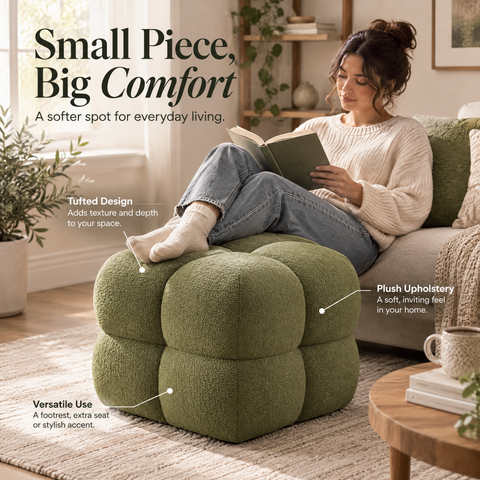



Catalog ad examples for Meta
A catalog ad, also called a dynamic product ad, pulls each product’s image and price from your feed, and Meta shows each shopper the products that match their interests. These 160+ catalog ad examples were generated by OptiQube from real product feeds; filter them by style, season and industry, and open any one to see why it works.
166 creatives · 13 industries · 5 seasons · 9 styles


Catalog ads for every season
Each season has its own look. See the creatives generated for it, then open the full collection.
Black Friday
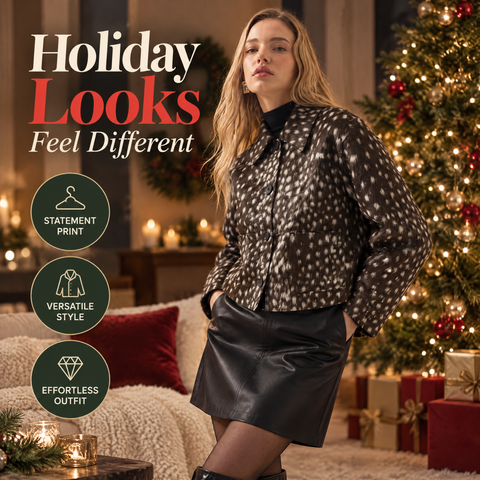
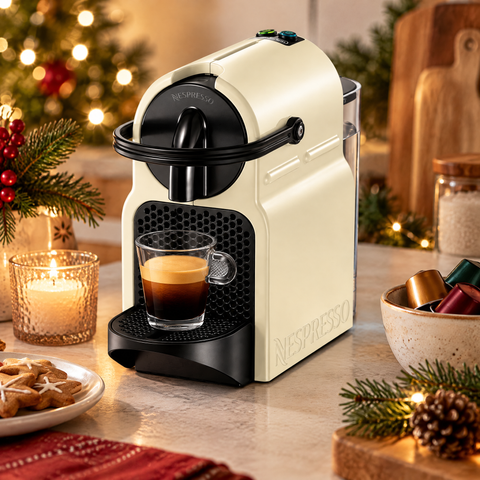
21 creativesChristmas
26 creatives





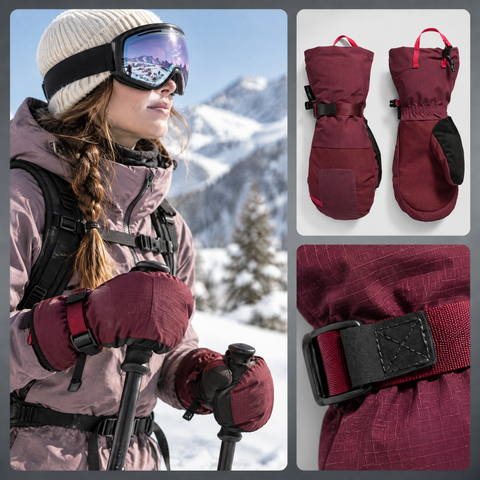
Winter
5 creatives


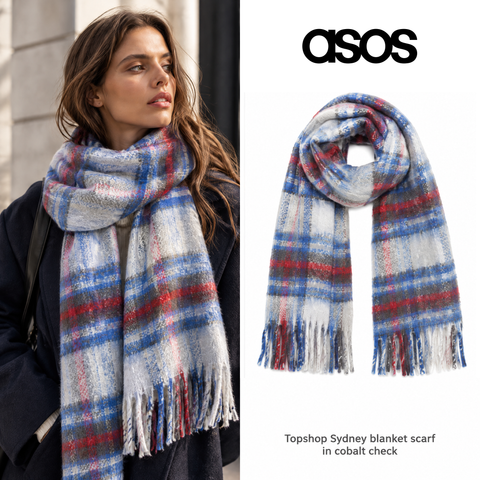
Browse by industry
Pick your category to see the catalog ads generated for stores that sell what you sell.
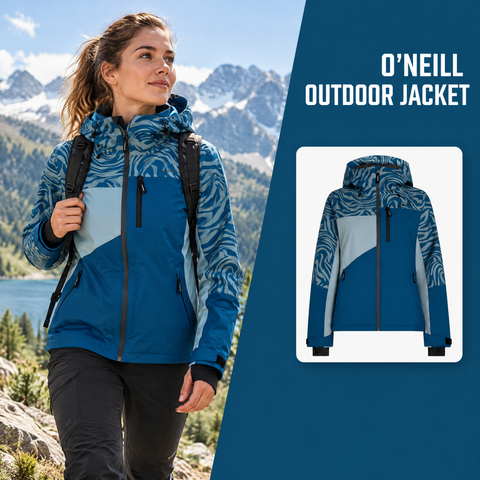


Newest creatives
The latest additions to the library, updated as new creatives are published.
- New
 Bose QuietComfort Headphones (2nd Gen)
- New
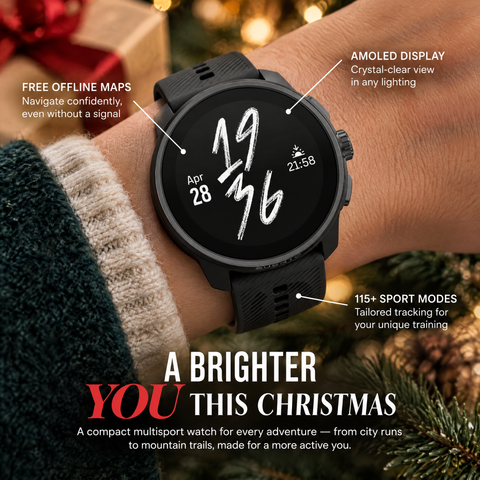 Suunto Race S All Black
- New
 Vase H25.5 cm
- New
 York Slope Arm Sofa (152 cm - 274 cm)
- New
 Atwood Cane Counter Stool
- New
 Bocce's Bakery Soft & Chewy Cheese Recipe Dog Treats
- New
 Sleepypod Air
- New
 Vase H25.5 cm
- New
 York Slope Arm Sofa (152 cm - 274 cm)
- New
 Manhattan Roll Arm Leather Armchair
- New
 MOALIE Throw, dark red-brown, 150x200 cm
- New
 Violet Faves Mini Cheek and Lip Trio Makeup Gift Set
Top picks by style
Three standout creatives for each style OptiQube generates.
- Style
Lifestyle
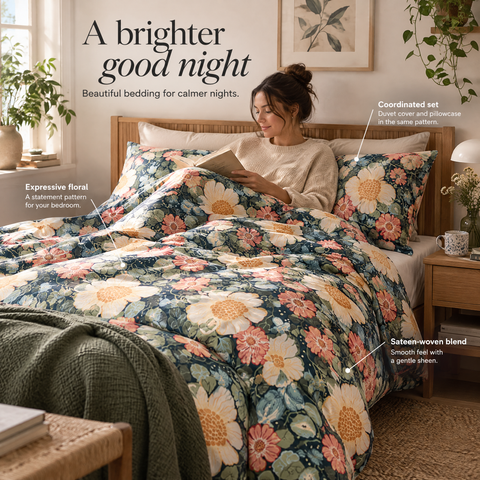
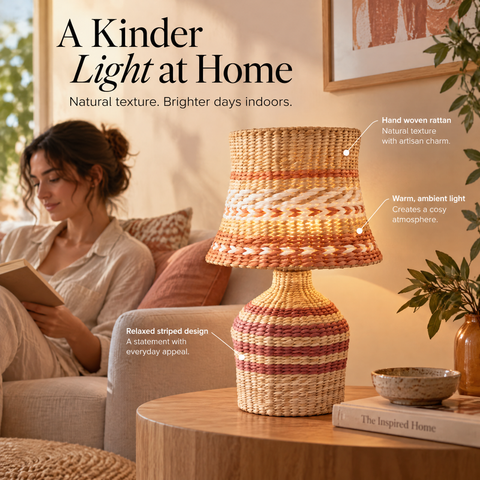
Places the product in a scene a shopper recognizes, so the feed stops on the moment, not on a white background.
See all 36 lifestyle ads → - Style
Badge
Keeps the product photo as the feed supplies it and adds a price or offer overlay, so the deal is visible before the tap.
See all 33 badge ads → - Style
Callout
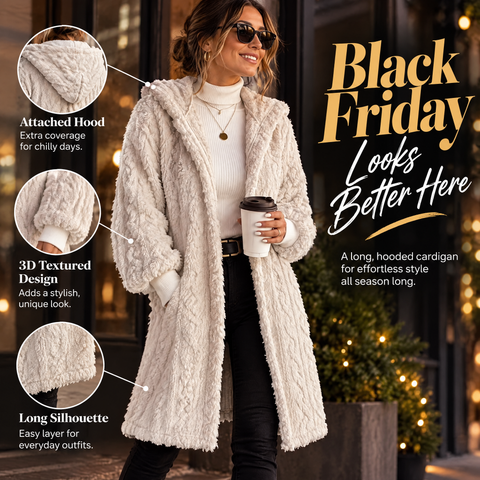
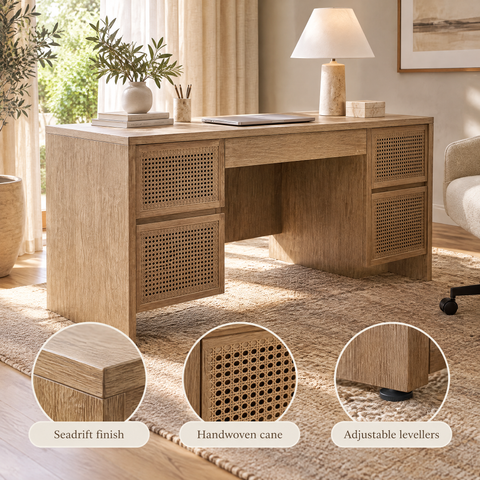
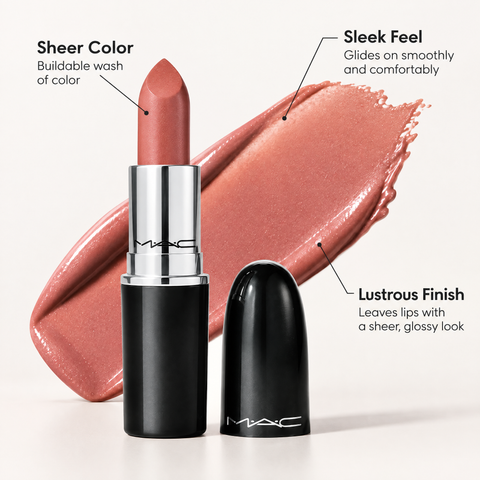
Annotates the product photo with short feature labels pointing at the exact part of the image they describe.
See all 24 callout ads → - Style
Collage
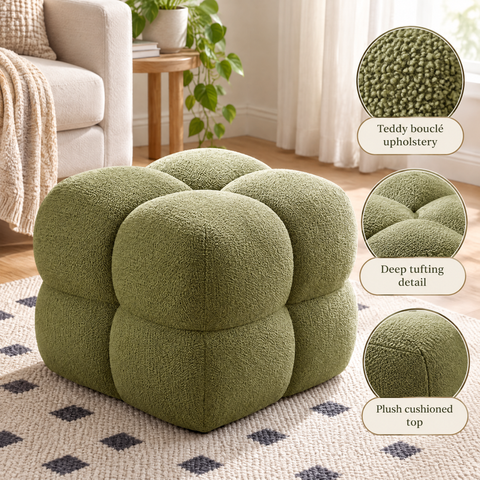
Puts several shots of one product in a single frame, a scene beside a packshot and a close-up, so one ad shows the product from every side.
See all 22 collage ads → - Style
Product only
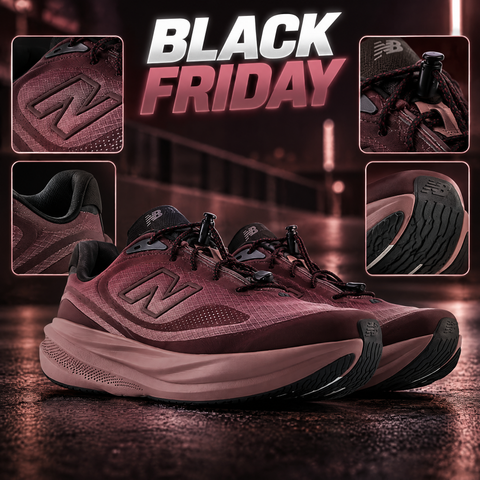
Shows the product alone on a styled set, with no scene, text or badges, so its shape and finish do the selling.
See all 18 product only ads → - Style
Creative ad
Turns the product shot itself into the idea, with no labels or badges, so the image alone carries the ad.
See all 15 creative ad ads → - Style
Headline
Pairs the product with one strong headline and nothing else, so a single message lands before the scroll moves on.
See all 11 headline ads → - Style
Mixed
Combines a lifestyle background with a badge, so the creative tells a story and states the deal in the same frame.
See all 6 mixed ads → - Style
Sales
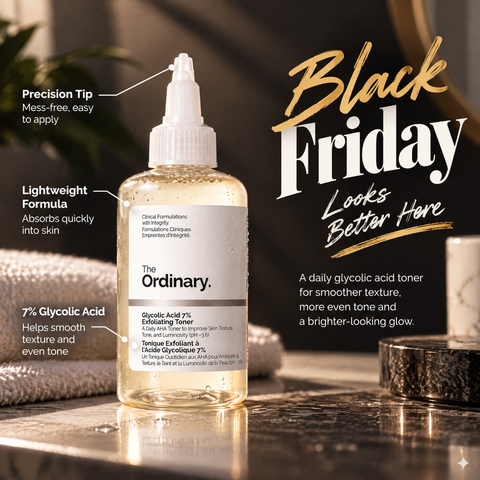
Leads with a bold sale headline beside the product, so the offer is the first thing a shopper reads in a promo week.
See all 1 sales ads →
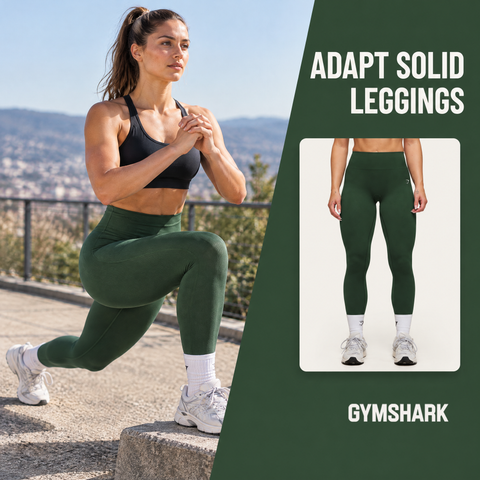
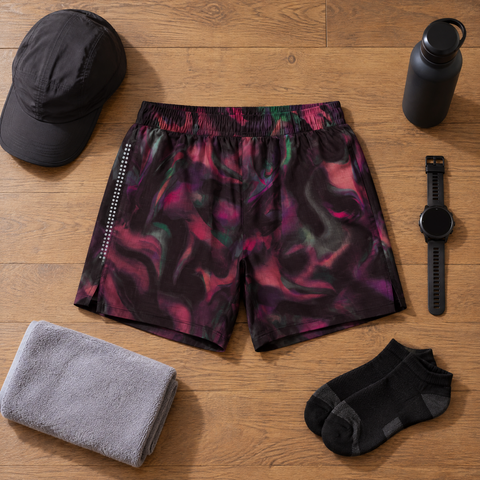
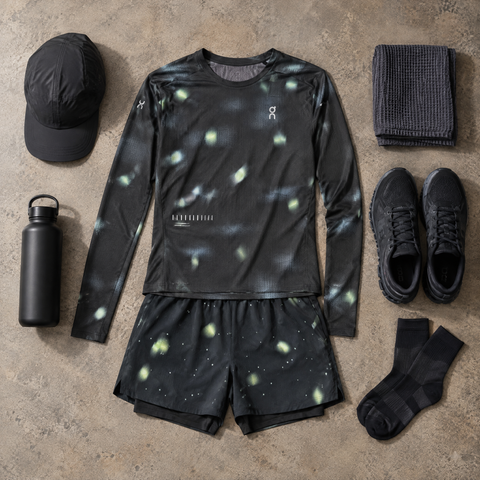





All 166 creatives
Filter the full library by style, season, industry, format and color on its own page.
Should you use DPA frames or generated catalog creative?
Meta’s own tools can dress up a catalog ad without a new creative for each product. A frame is one image, such as a border or a logo, laid over every product photo, and dynamic overlays add the price, a strikethrough price, the percentage off or free shipping from your catalog data.
Both sit on top of the same product photo, so each ad still reads as a product listing, now with a border or a label. A generated creative changes what is around the product instead: each one gets its own scene, badge or callout, which is what the examples in this library show.
A frame is enough when you need the same logo or price treatment on every ad. When the white background itself is the problem, the creative has to change, not only the border.
Catalog ads: the basics
What is a catalog ad, and how does it differ from a single-image ad?
A catalog ad pulls its image and copy from the Meta product feed and renders a version per product automatically, while a single-image ad is one fixed asset built around one message. Advantage+ catalog campaigns pick which products to show each person from the catalog and adapt the creative to the placement, instead of serving one fixed asset to everyone.
Meta catalog ads: the complete guide →Why does a product shown on a plain white background blend into the feed?
A white background reads as a listing thumbnail, so it blends into the rest of the feed and gives a shopper no reason to stop scrolling. A scene, a badge or an annotation gives the eye something to catch on before it registers the product itself.
Catalog ad design best practices: 12 rules →What creative styles does OptiQube generate, and what is each one for?
Four main ones: lifestyle places the product in a recognizable scene, badge puts a price, offer or benefit on the image, mixed combines both, and callout adds short labels pointing at product features. The library also has a few collage and sales-style creatives, and each style suits a different reason a shopper stops on an ad.
Which formats and aspect ratios does a catalog ad actually need for Meta's placements?
Square (1:1) is the safe default across feed placements, portrait (4:5) fills more of the mobile feed, and story (9:16) is built for Stories and Reels, where the platform's own controls cover the top and bottom of the screen. Supply one ratio only and Meta adapts it to the rest, so the crop is chosen for you and copy near an edge can end up underneath those controls.
What Advantage+ creative does to your catalog ads →Does changing the creative touch the product feed or catalog data?
No. OptiQube changes the ad image, not the feed: the product's title, price, availability and link stay exactly as the feed reports them, so catalog data and creative stay separate.
How do I get creative variety across a large catalog without shooting every product?
OptiQube reads the existing feed image for each product and generates a new scene, badge or callout around it, so a catalog of many products can get on-brand creatives without a photoshoot for each one. The product can be placed in a scene or on a model, but its look does not change, so the catalog stays accurate while the creative around it changes.
Where can I find catalog ad examples for my industry?
Each industry has its own collection, such as clothing and fashion, beauty and cosmetics, home and decor or electronics, with the creatives generated for stores in that category. Pick yours under Browse by industry above, or filter the full library by industry, style and season.


