
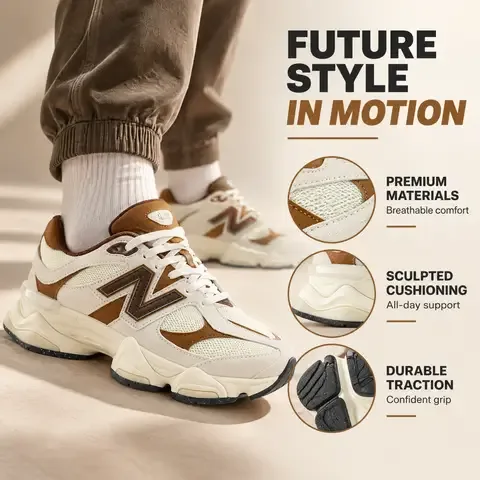

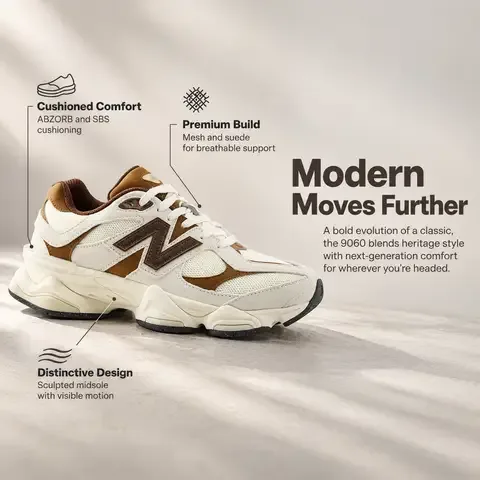
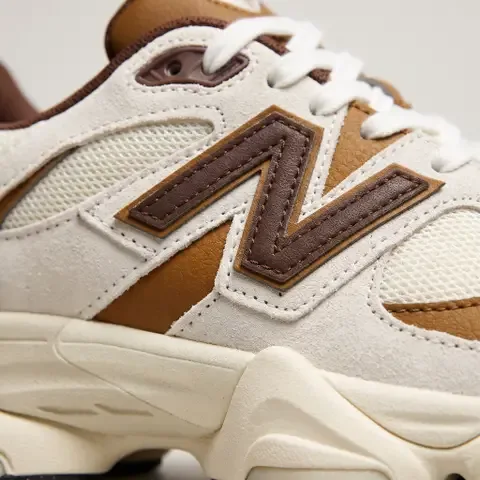

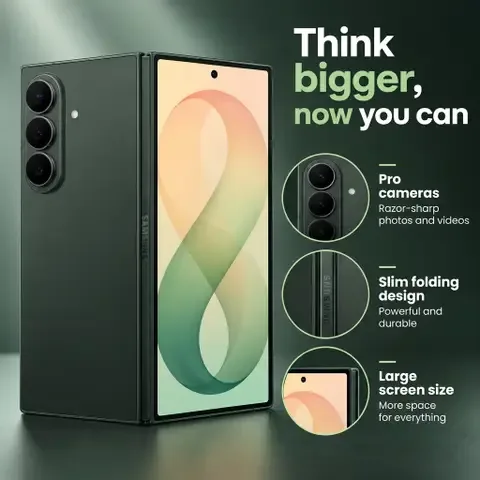








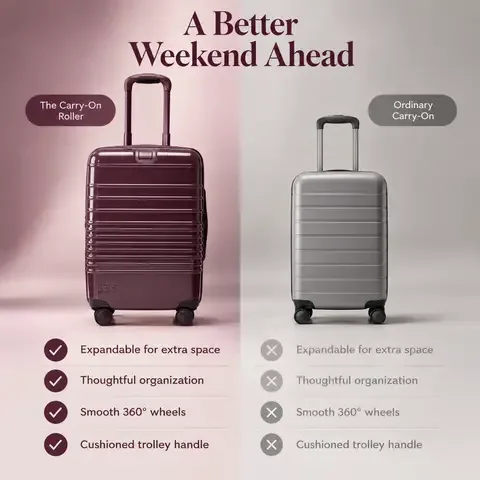
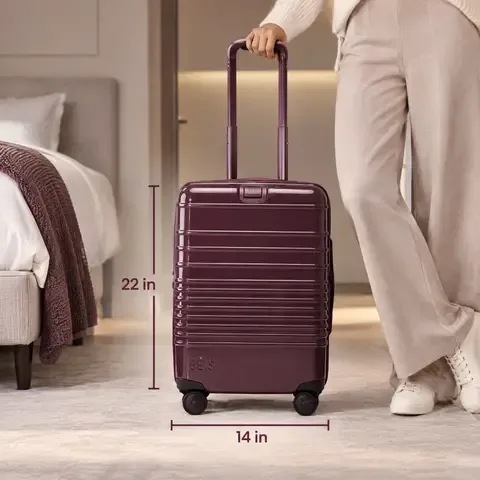
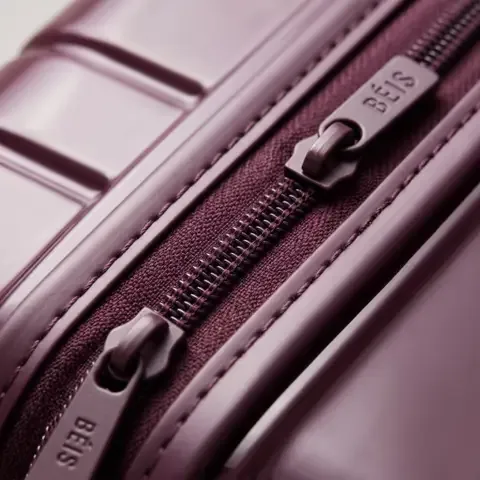
 BÉIS · Carry-onBags & Accessories · 6 cards · Feed 1:1
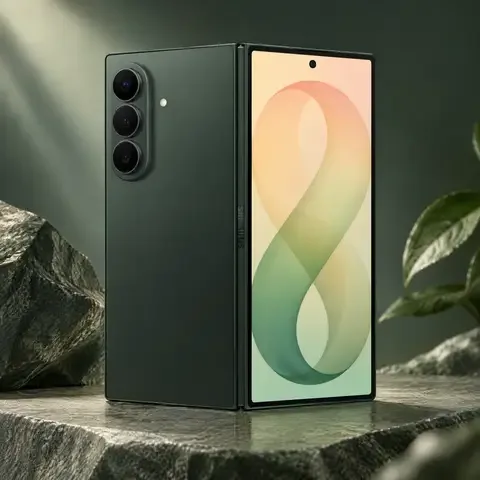
- 1. Product Only
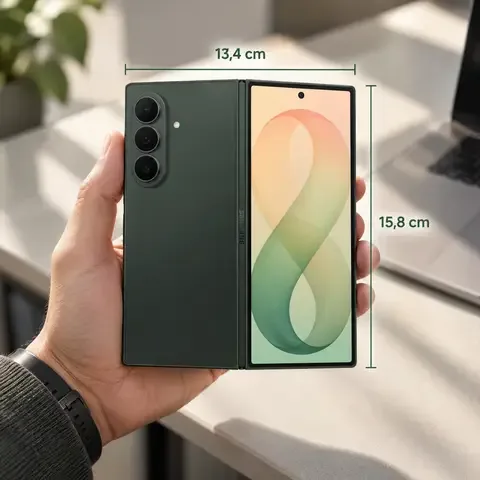
- 2. Size reference
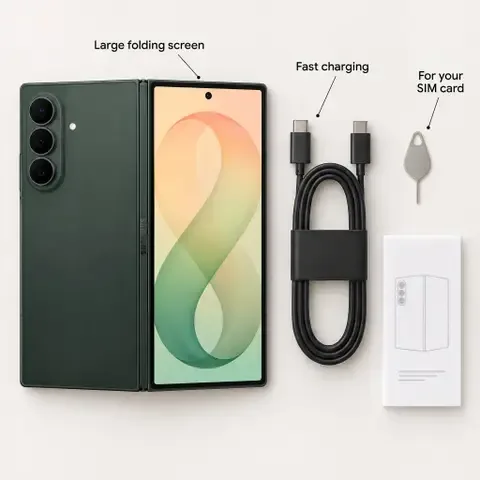
- 3. Call-Out
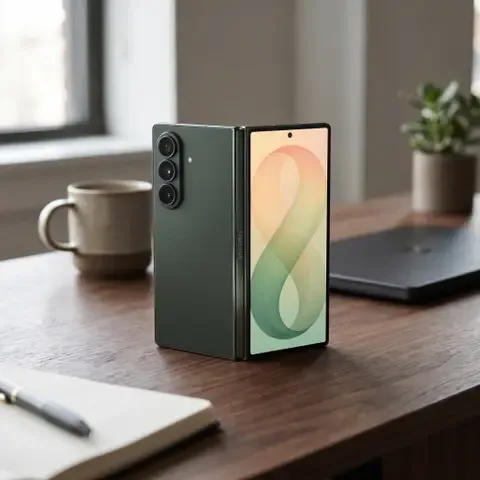
- 4. Close-up detail
- 5. Key benefit
- 6. Product Comparison
Real product carousels for Bags & Accessories stores, 5–6 cards each, generated by OptiQube from store product photos. Open one, swipe through it, and take the recipe into the app.
4 carousels · 4 industries · 12 card styles


Click through all 6 cards
6 cards · Feed 1:1 · Bags & Accessories
The cards, in order
Every row is one carousel for a Bags & Accessories product, card by card, in the order Meta shows it.
BÉIS · Carry-onBags & Accessories · 6 cards · Feed 1:1More carousels as they are published.
A good carousel mixes at least four of them. Pick a style to see it on a real card, the way the app's style picker shows it.
5–6 cards about the same product: the product, the details, the benefit, what is in the box.
Meta picks the products from your feed, each with its own AI creative.
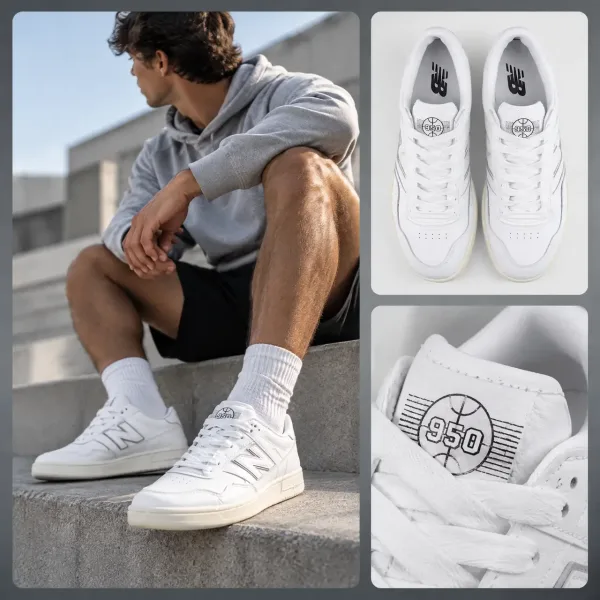
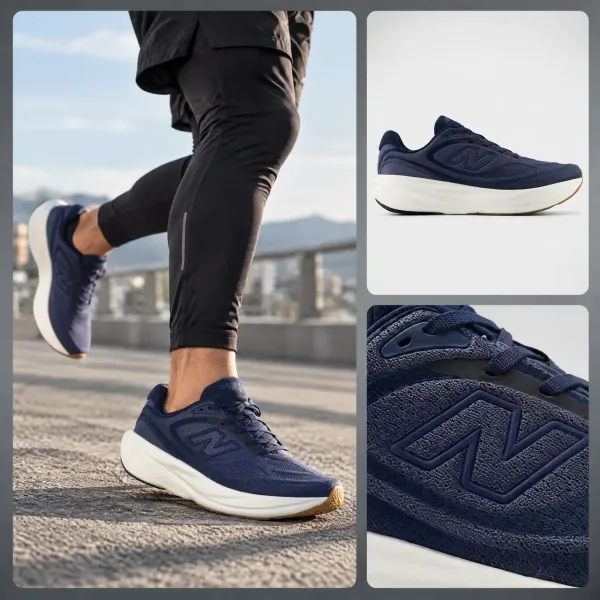
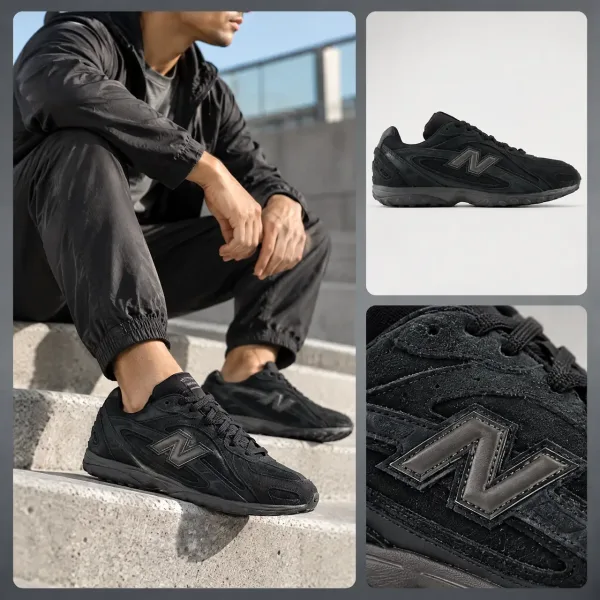
A carousel ad is one Meta ad that holds several cards, each with its own image, headline and link, that a shopper swipes through in the feed, in Stories or in Reels. A product carousel uses the cards to show one product from several angles: the product alone, its details up close, its features called out, what is in the box, one key benefit.
Meta allows two to ten cards. The carousels in this library have six: enough to show the product, its details, its size or box and one benefit, without a card that repeats an earlier one. OptiQube draws five or six cards per product by default, one per card style you tick.
A catalog ad shows many products, one image each, and Meta picks which products each shopper sees from your feed. A carousel ad shows one product properly, card by card. Use the catalog ad to put the right product in front of the right person, and the carousel to sell a hero product, a launch or a bestseller in full.
Yes. Open an example, press Use this as inspiration and type your store: OptiQube opens with the same card styles in the same order, reads your product feed, and draws those cards on the product you pick. The product itself is never changed; only the scene, the labels and the detail shots around it are drawn.
Run the one with an unfair advantage.


