


Inspiration library


Catalog ad creatives that convert
Browse real OptiQube-generated creatives by style, season and product category. Open one to see why it works, then try it on your own store in a minute.
Season spotlight
Autumn
Autumn catalog ads shift to warmer tones and layered scenes as the weather turns, ahead of the November peak, and suit apparel, home and comfort products looking for a seasonal refresh.
Browse the collectionFeatured creatives
Fresh picks from the library.



Browse by industry
Creatives generated for stores like yours.
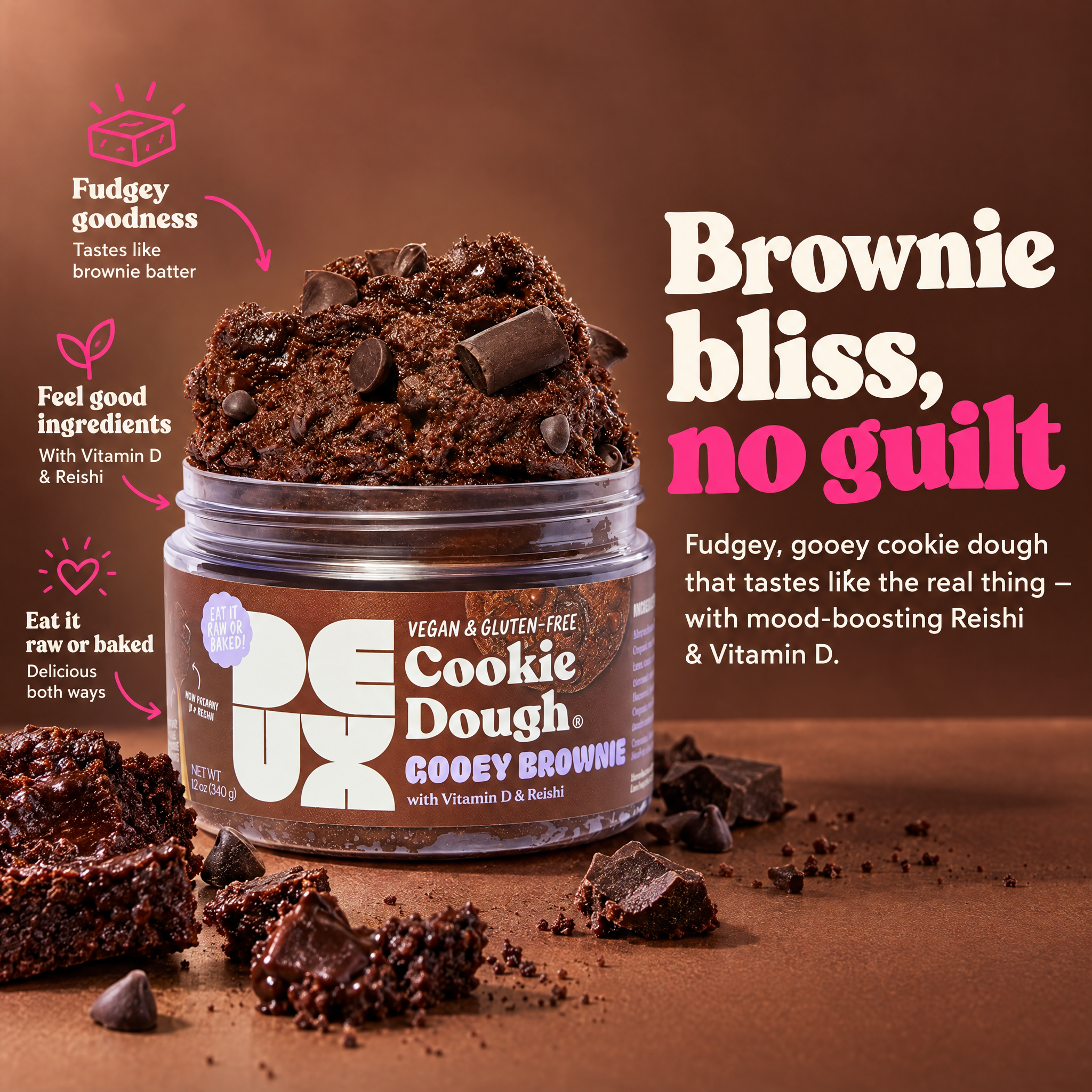
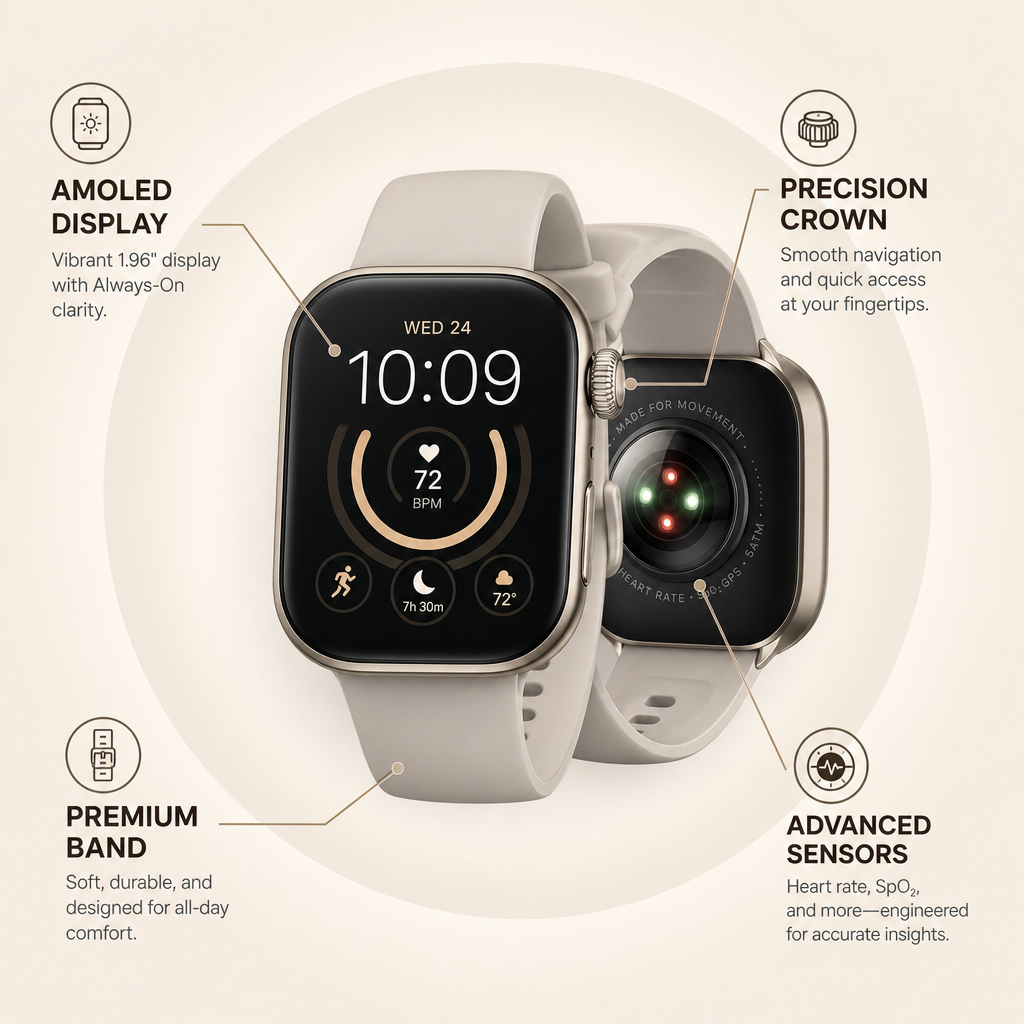
Callout catalog ads
See all 32

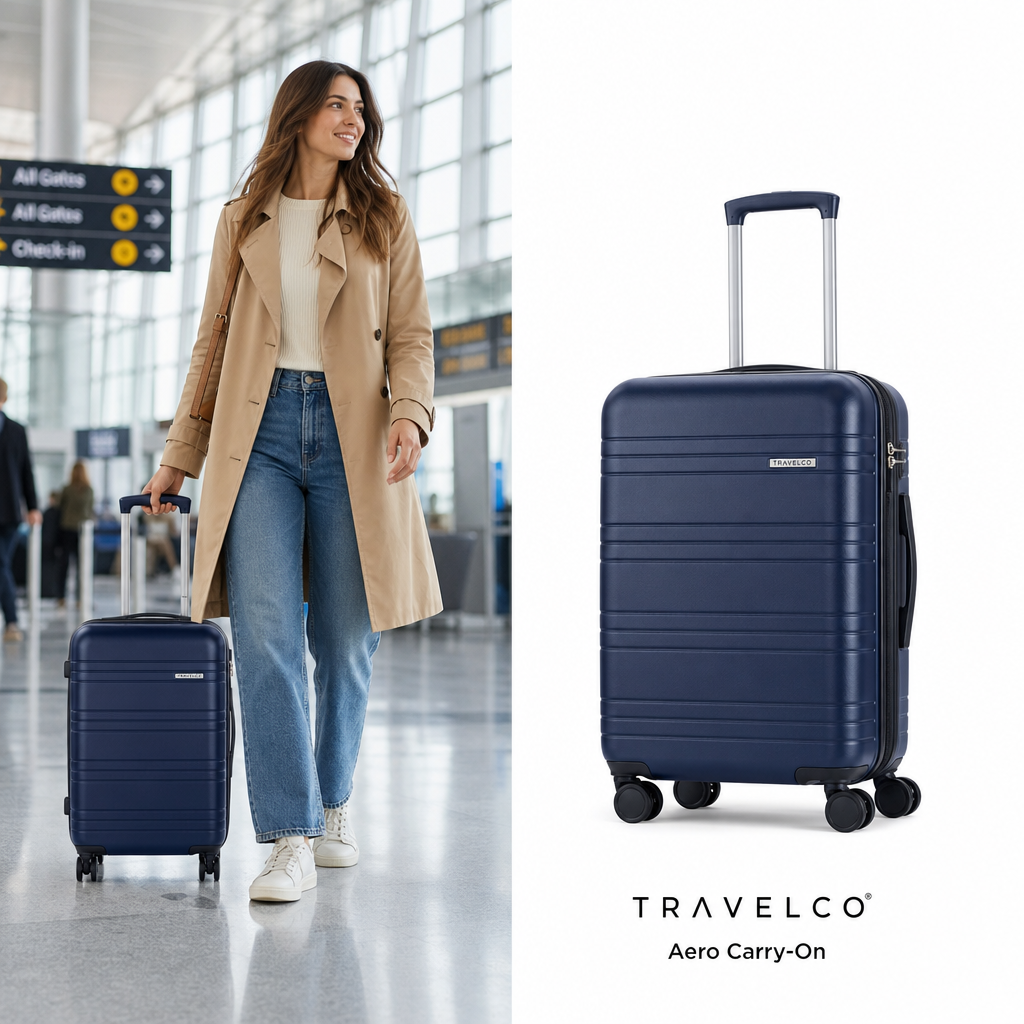
Lifestyle catalog ads
See all 26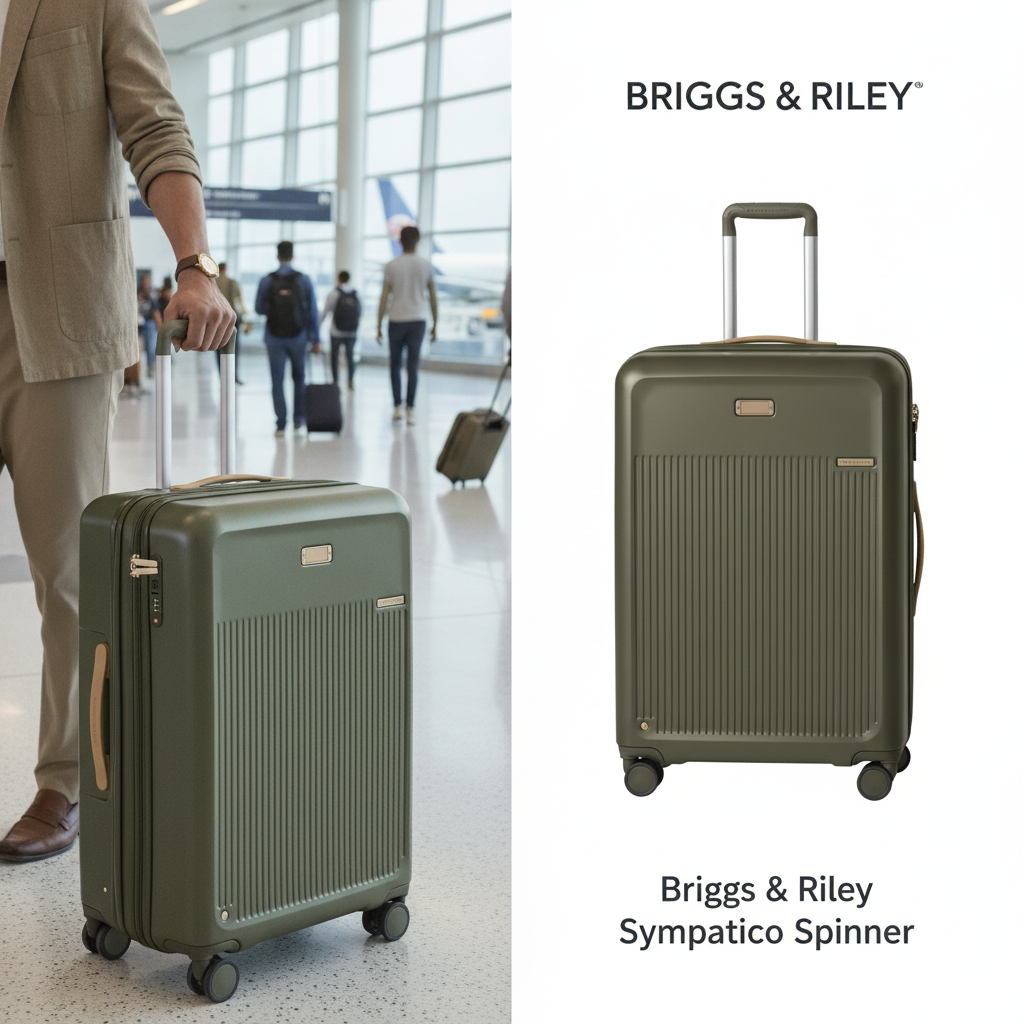
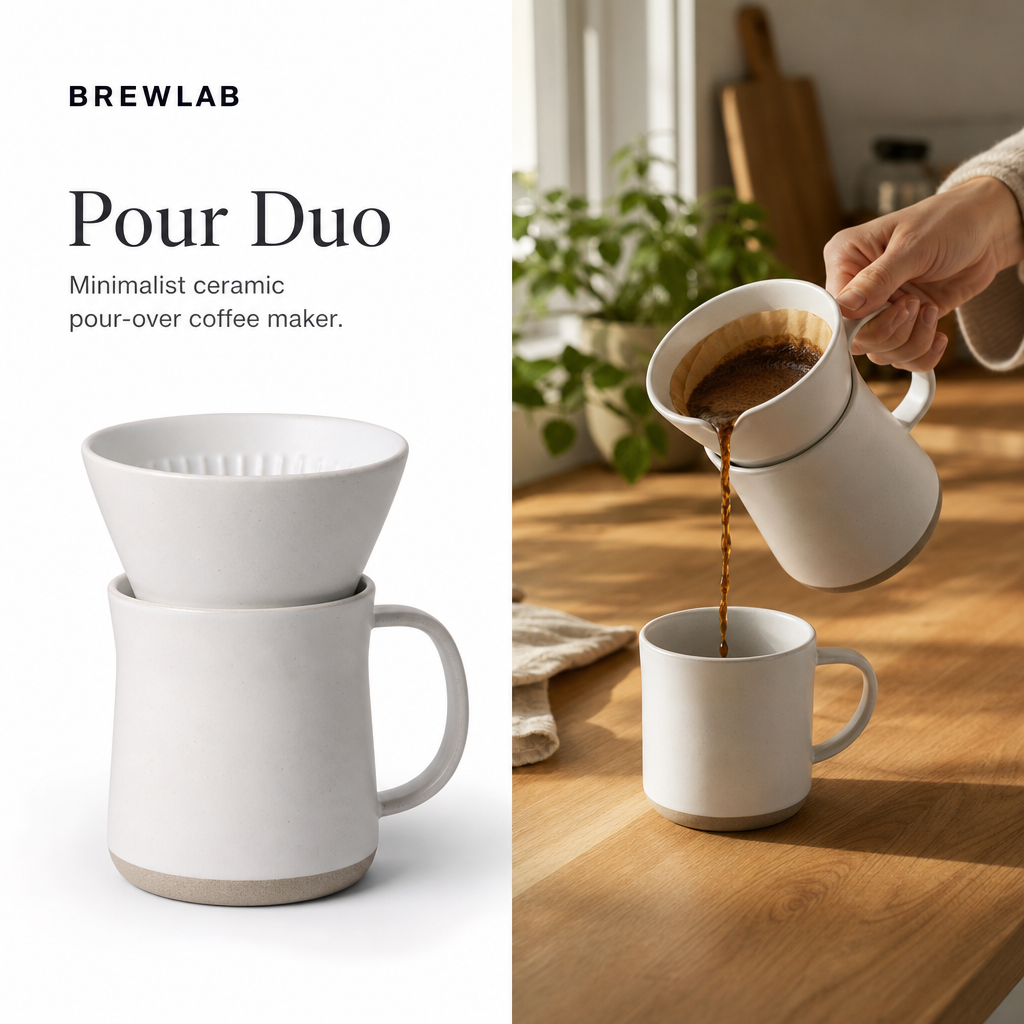
Badge catalog ads
See all 21
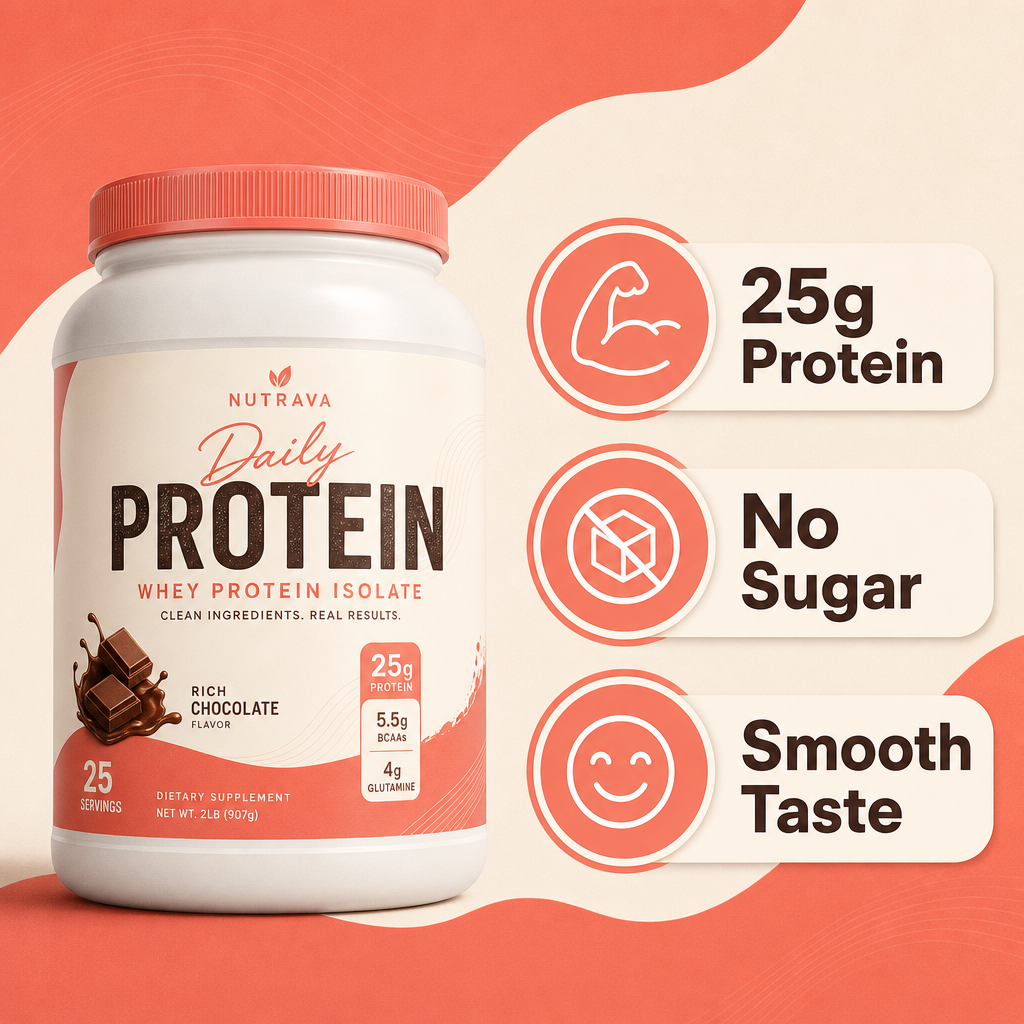
Mixed catalog ads
See all 14



All creatives
2 creatives
2 creatives
Catalog ads: the basics
- What is a catalog ad, and how does it differ from a single-image ad?
- A catalog ad pulls its image and copy from the Meta product feed and renders a version per product automatically, while a single-image ad is one fixed asset built around one message. Advantage+ catalog campaigns pick which products to show each person from the catalog and adapt the creative to the placement, instead of serving one fixed asset to everyone.
- Why does a product shown on a plain white background blend into the feed?
- A white background reads as a listing thumbnail, so it blends into the rest of the feed and gives a shopper no reason to stop scrolling. A scene, a badge or an annotation gives the eye something to catch on before it registers the product itself.
- What are the four creative styles OptiQube generates, and what is each one for?
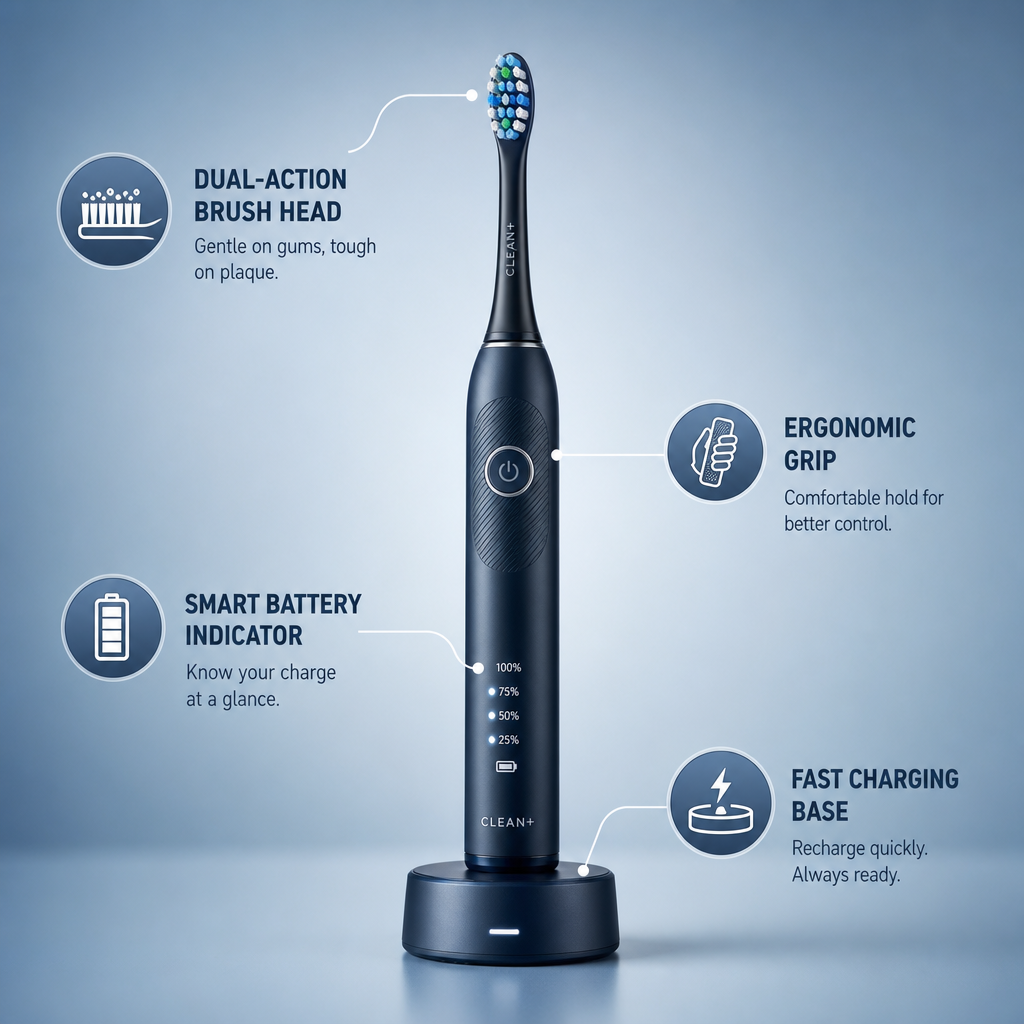
- Lifestyle places the product in a recognizable scene, badge overlays a price or offer on the untouched product photo, mixed combines both, and callout adds short feature labels pointing at the photo. Each style suits a different reason a shopper stops on an ad.
- Which formats and aspect ratios does a catalog ad actually need for Meta's placements?
- Square (1:1) is the safe default across feed placements, portrait (4:5) fills more of the mobile feed, and story (9:16) is built for Stories and Reels, where the platform's own controls cover the top and bottom of the screen. Supply one ratio only and Meta adapts it to the rest, so the crop is chosen for you and copy near an edge can end up underneath those controls.
- Does changing the creative touch the product feed or catalog data?
- No. OptiQube composes a background, badge or callout on top of the original product photo without altering the underlying feed; the product's title, price, availability and link stay exactly as the feed reports them, so catalog data and creative are separate layers.
- How do I get creative variety across a large catalog without shooting every product?
- OptiQube reads the existing feed image for each product and composes a new scene, badge or callout around it automatically, so a catalog of many products can get an on-brand creative without a separate photoshoot for each one. The product photo itself is never redrawn, so the catalog stays accurate while the surrounding creative changes.


