


Split screen catalog ad examples
Split screen catalog ads set two photos of the same product side by side — the product in use on one half, a close-up on the other — over a band that carries its name and the shop’s logo. One ad shows both how the product looks in life and how it is made. 62 AI-generated creatives in this collection, including Variety 4, “Drizzle” Glass and Air Cordless Diffuser White.
At a glance
- Creatives
- 62
- Most common format
- Square
- Most common industry
- Health & Wellness
62 creatives
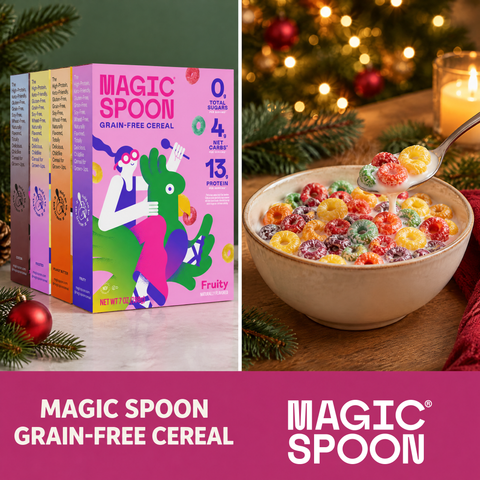 Variety 4Split screen
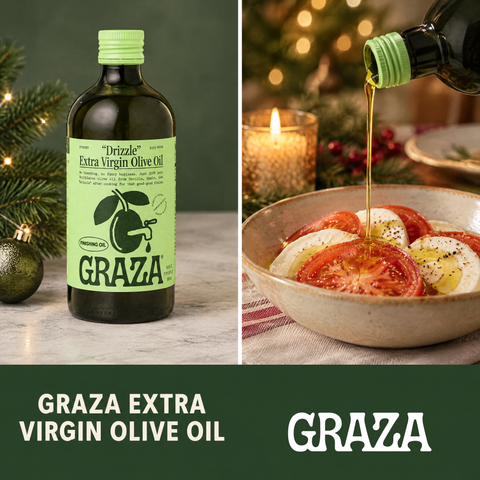 “Drizzle” GlassSplit screen
 Air Cordless Diffuser WhiteSplit screen
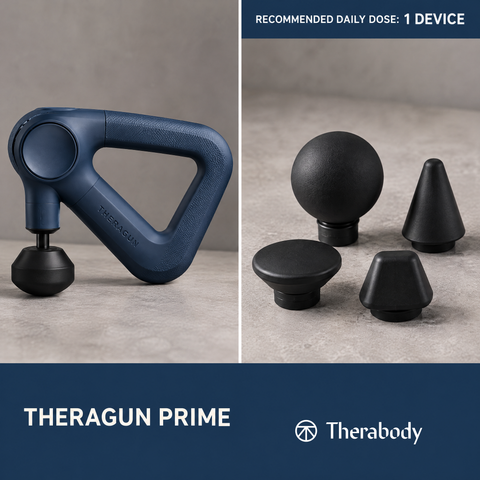 Theragun Prime 6th Gen NavySplit screen
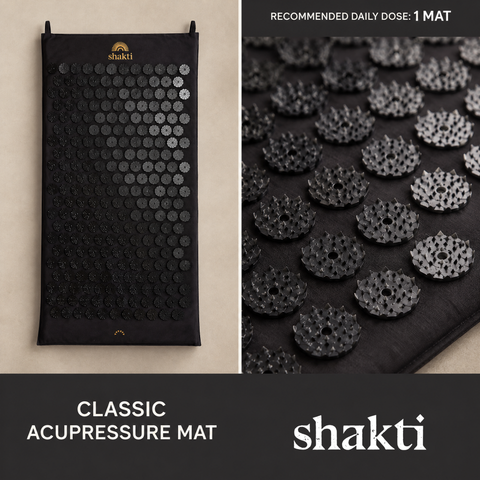 Classic Acupressure MatSplit screen
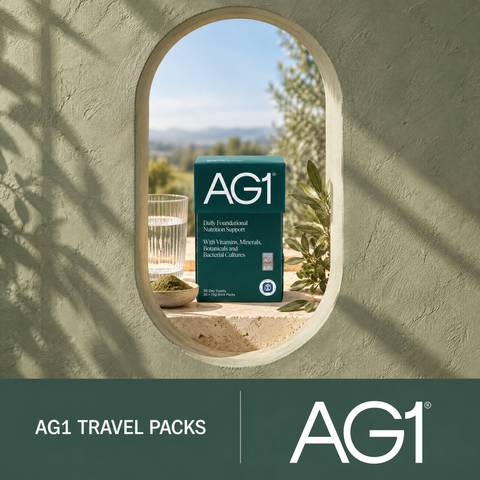 AG1 Travel PacksSplit screen
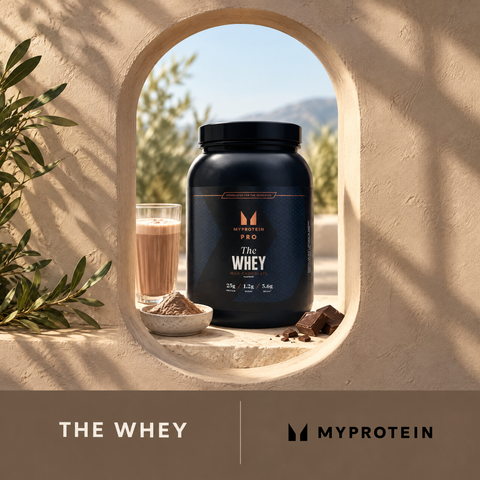 THE Whey - 1.05kg - 30servings - Milk ChocolateSplit screen
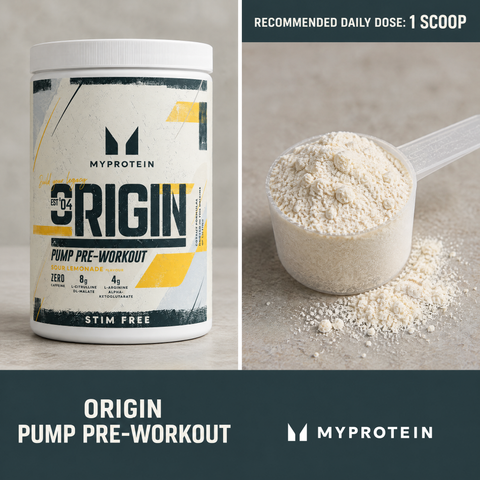 Origin Pump Pre-Workout | Stim & Caffeine-Free - 750G - 30servings - Sour LemonadeSplit screen
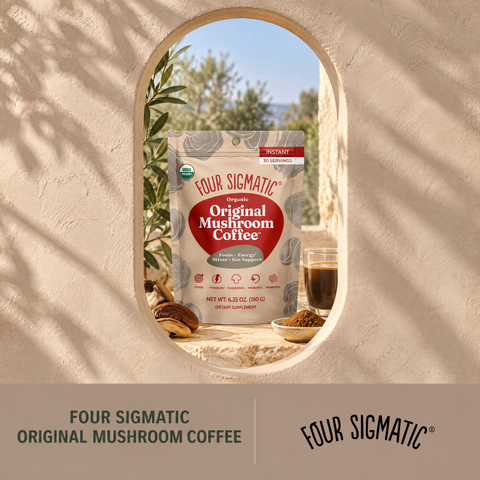 Original Mushroom Coffee™Split screen
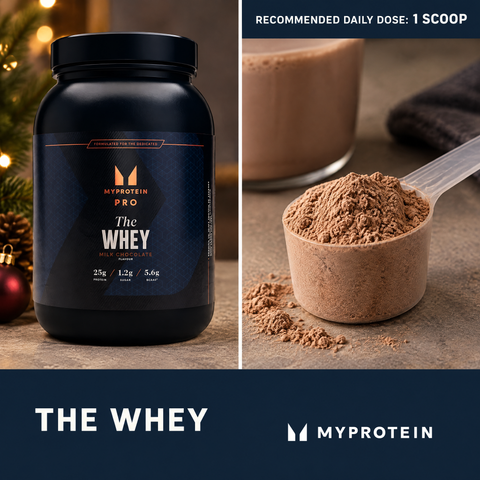 THE Whey - 1.05kg - 30servings - Milk ChocolateSplit screen
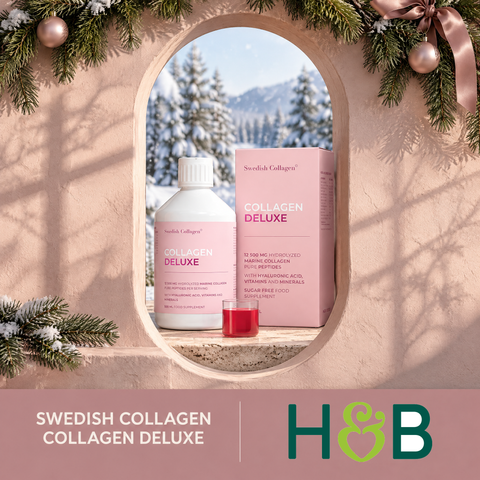 Swedish Collagen Deluxe Marine Collagen 12500mg Berry Flavour 500ml 20 DosesSplit screen
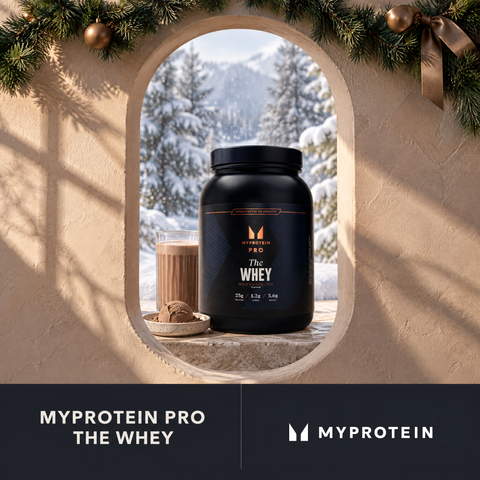 THE Whey - 1.05kg - 30servings - Milk ChocolateSplit screen
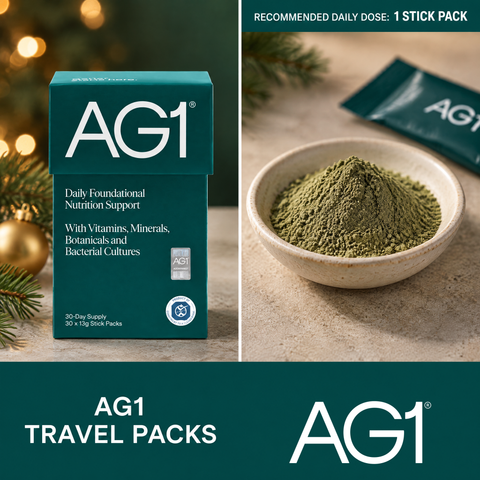 AG1 Travel PacksSplit screen
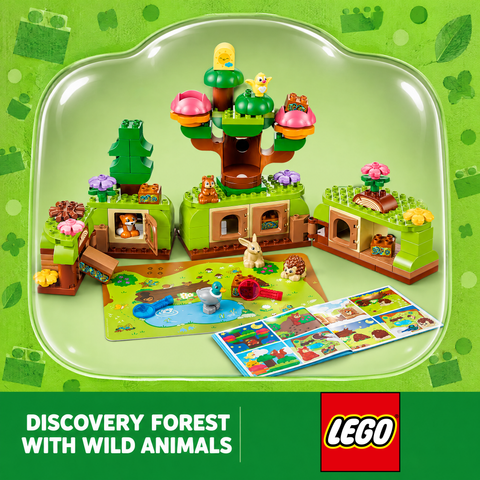 Discovery Forest with Wild AnimalsSplit screen
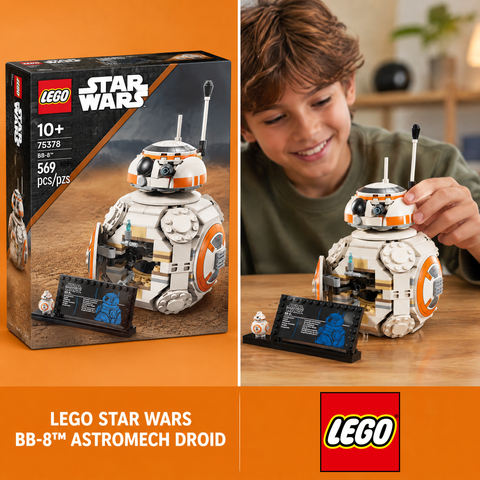 BB-8™ Astromech DroidSplit screen
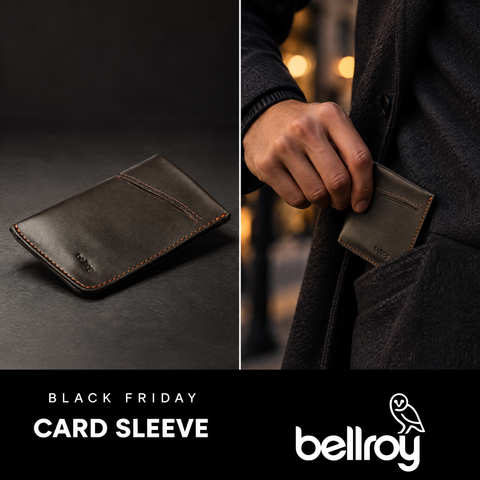 Card SleeveSplit screen
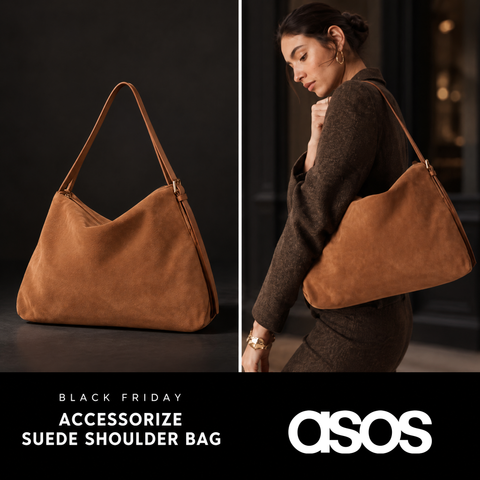 Accessorize double strap slouchy suede shoulder bag in tanSplit screen
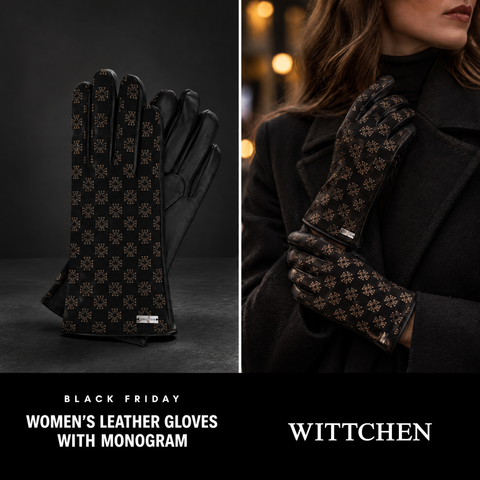 Women's leather gloves with monogramSplit screen
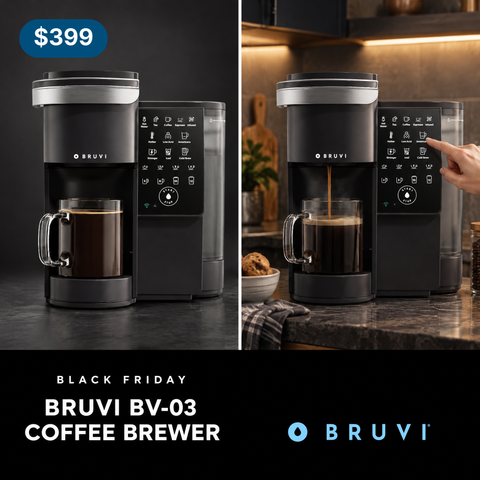 Bruvi® BV-03 Black BrewerSplit screen
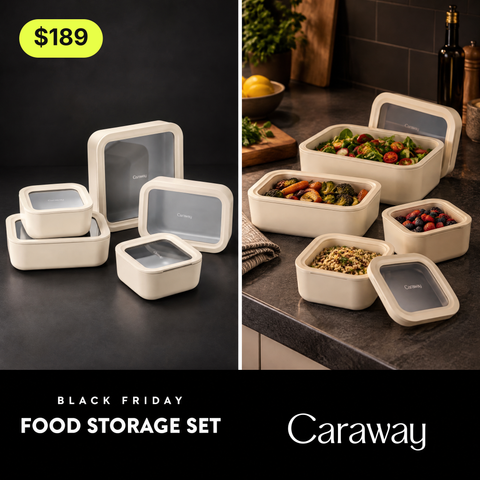 Food Storage SetSplit screen
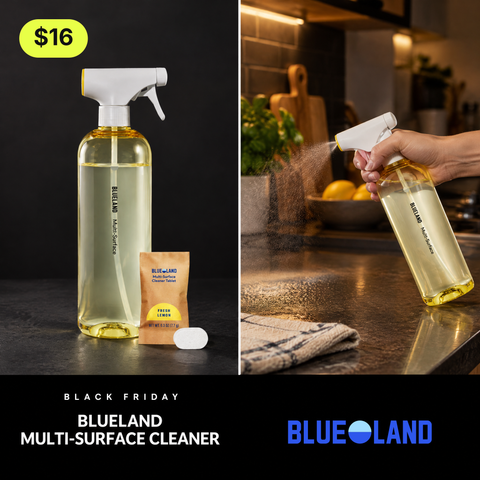 Multi-Surface Cleaner Starter SetSplit screen
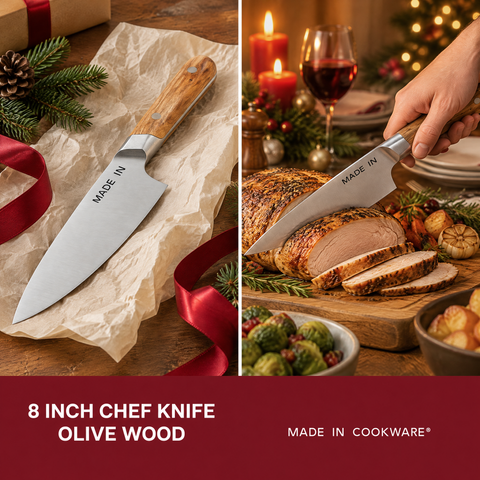 8 Inch Chef Knife Olive WoodSplit screen
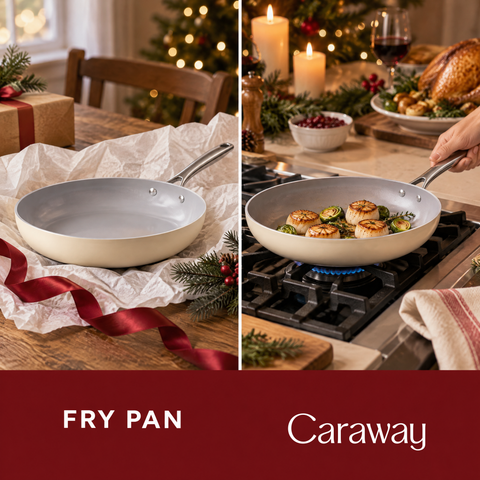 Fry PanSplit screen
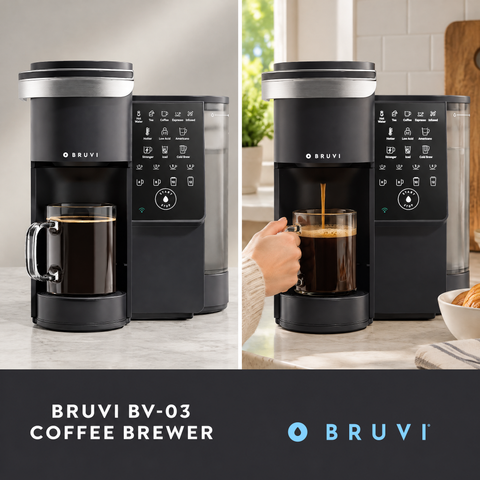 Bruvi® BV-03 Black BrewerSplit screen
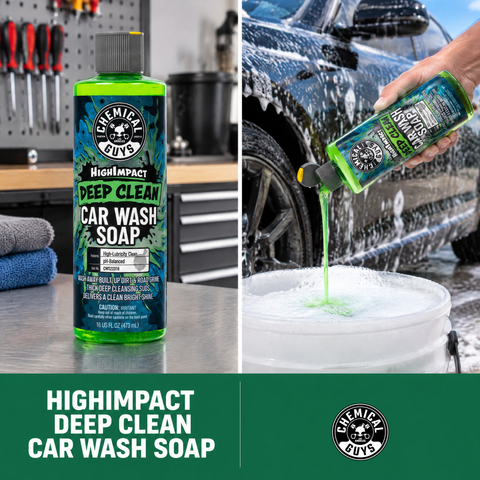 HighImpact Deep Clean Car Wash SoapSplit screen
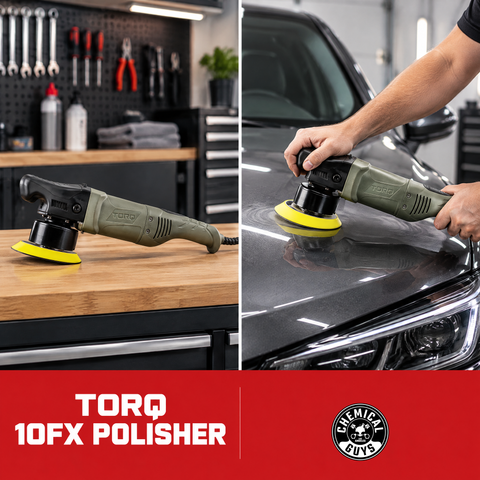 TORQ 10FX Random Orbital PolisherSplit screen
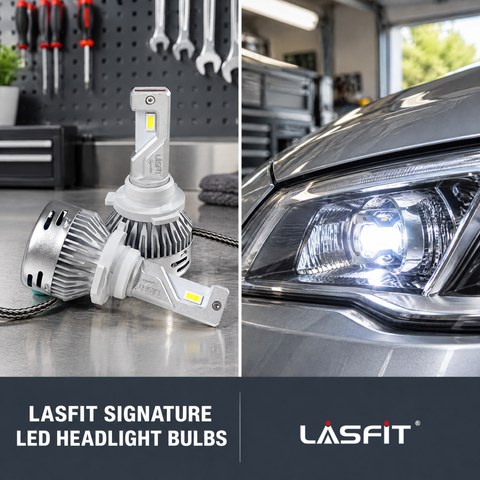 LASFIT SIGNATURE | LA Plus Series 9005 LED Headlight BulbsSplit screen
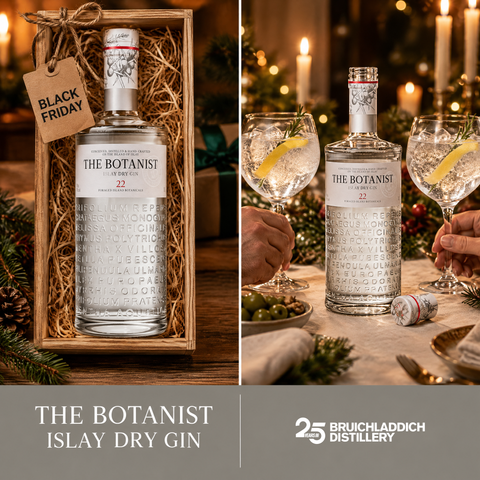 The Botanist Islay Dry GinSplit screen
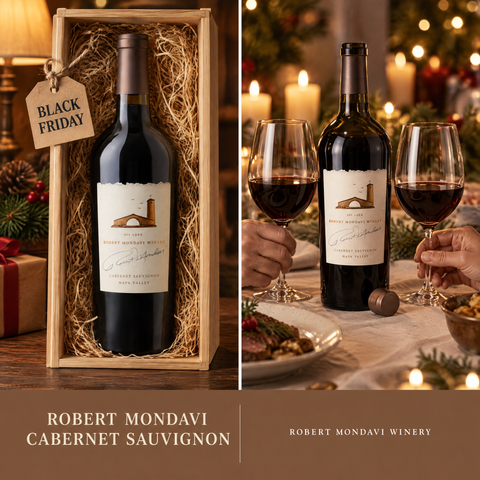 2022 Napa Valley Cabernet SauvignonSplit screen
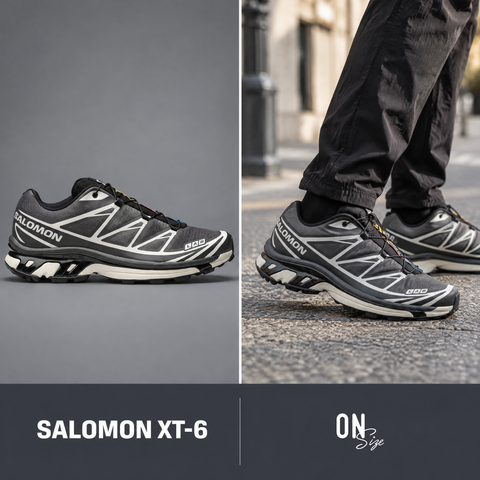 Salomon XT-6 Black Asphalt CastlerockSplit screen
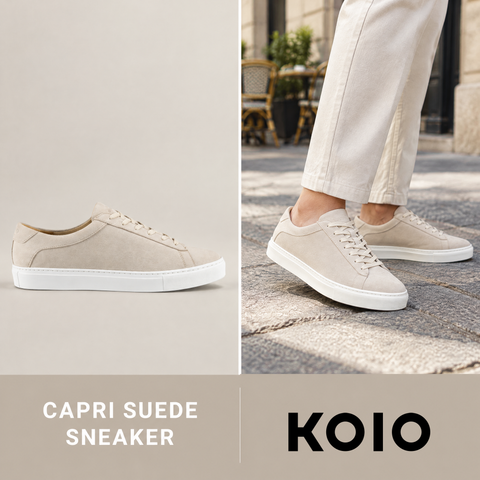 Capri Suede Sneaker in IvorySplit screen
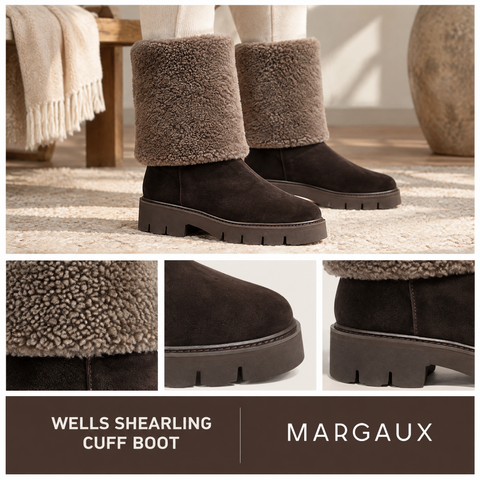 The Wells Shearling Cuff Boot - Dark Chocolate SuedeSplit screen
 Adidas Taekwondo Mei Ballet W *Woven* Brown / Brown / Gum 4Split screen
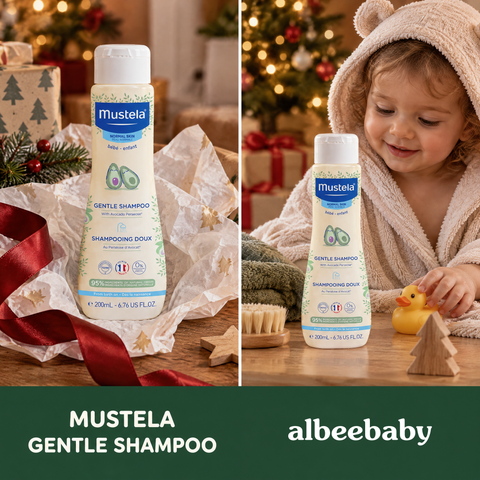 Mustela Gentle ShampooSplit screen
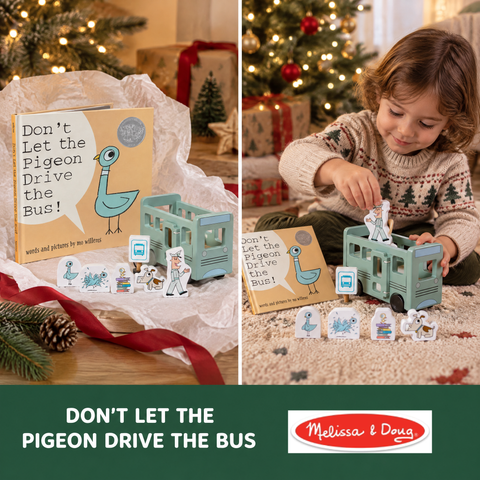 The Pigeon Book & Wooden Bus BundleSplit screen
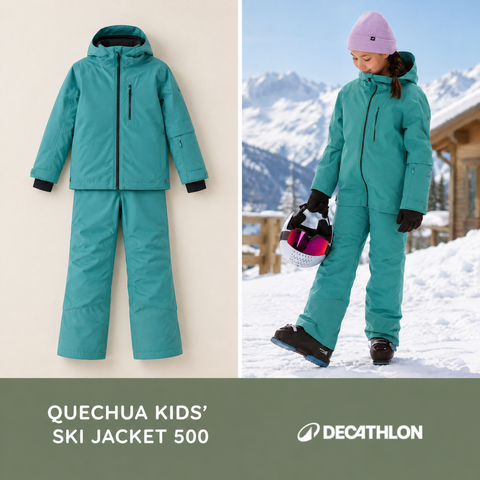 Quechua Kids’ 500 Insulated and Waterproof Ski Jacket 500, 6-14 yearsSplit screen
 Tripp Trapp® High ChairSplit screen
 AG1 Travel PacksSplit screen
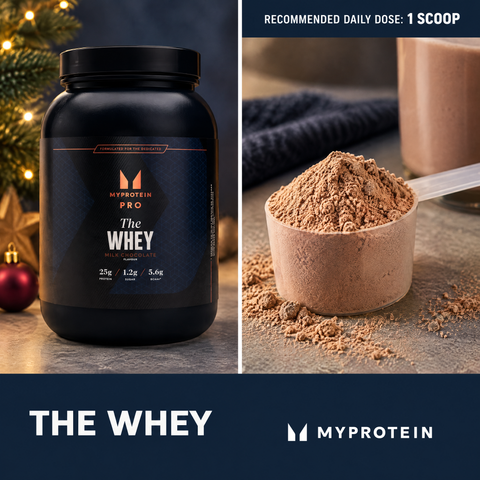 THE Whey - 1.05kg - 30servings - Milk ChocolateSplit screen
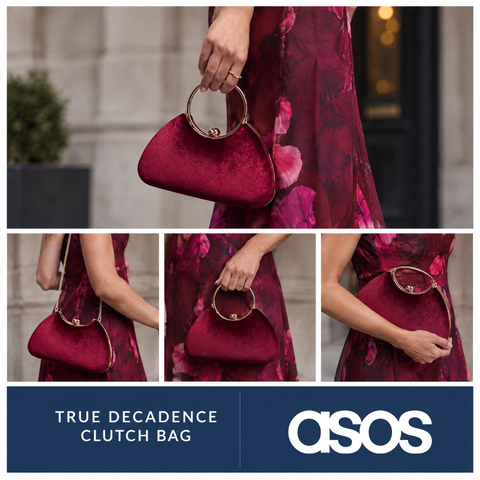 True Decadence velvet clutch bag with detachable crossbody strap in burgundy and goldSplit screen
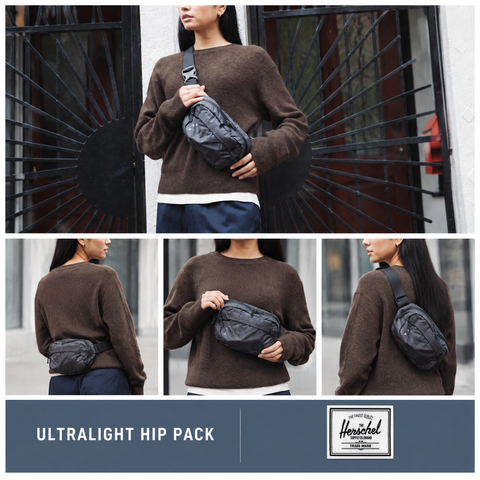 Ultralight Hip Pack - 2LSplit screen
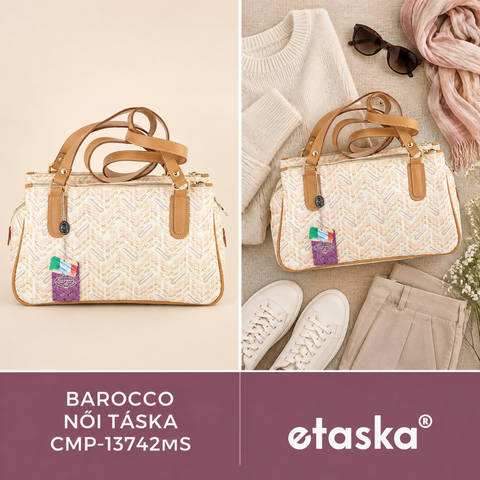 Barocco Női táska CMP-13742MSSplit screen
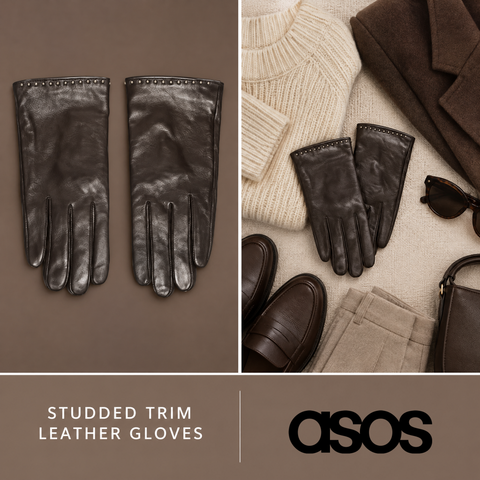 Accessorize studded trim leather gloves in brownSplit screen
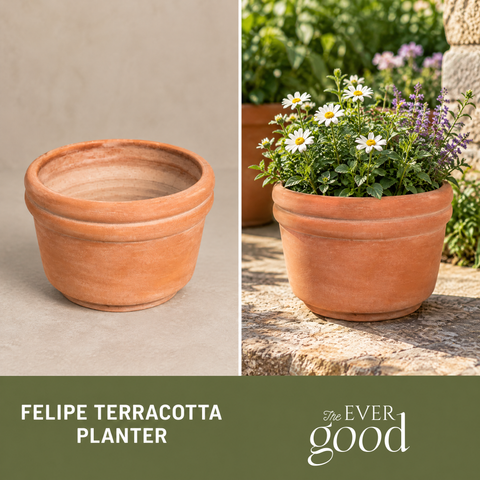 Felipe Terracotta Planter - LargeSplit screen
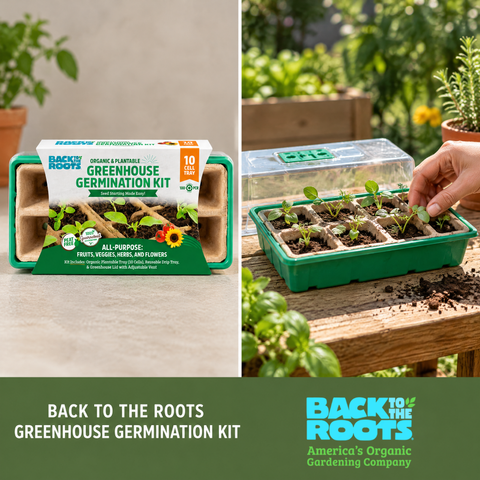 Greenhouse Germination Kit (Organic & Plantable, 10-Cell Tray)Split screen
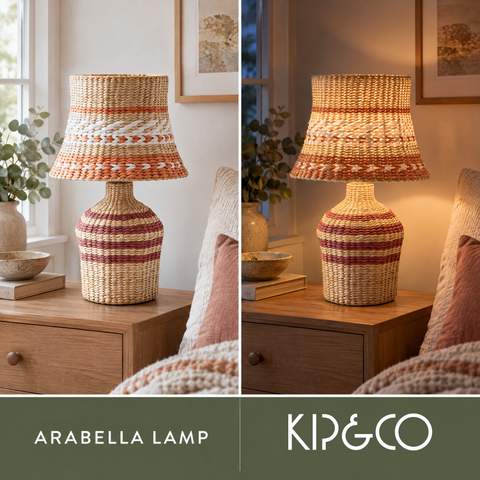 Arabella LampSplit screen
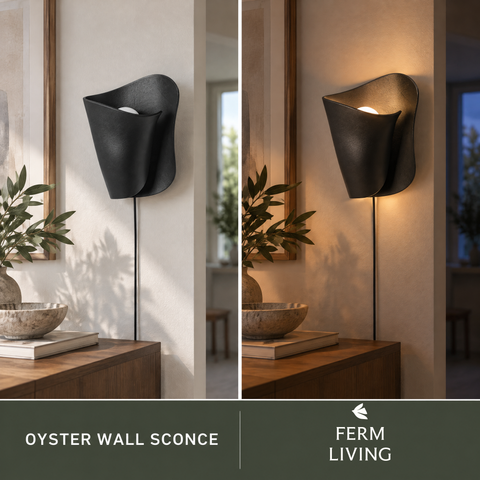 Oyster Wall Sconce - BlackSplit screen
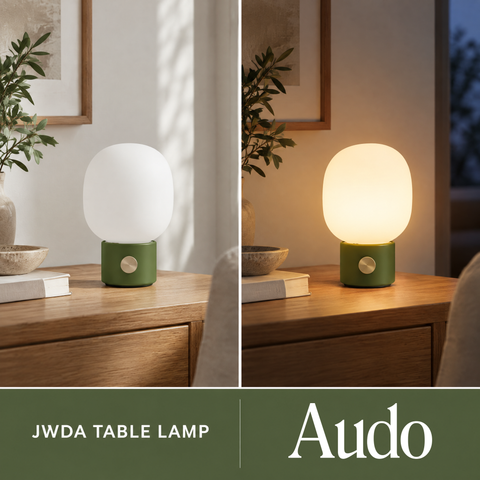 JWDA Table Lamp, Portable, Dusty GreenSplit screen
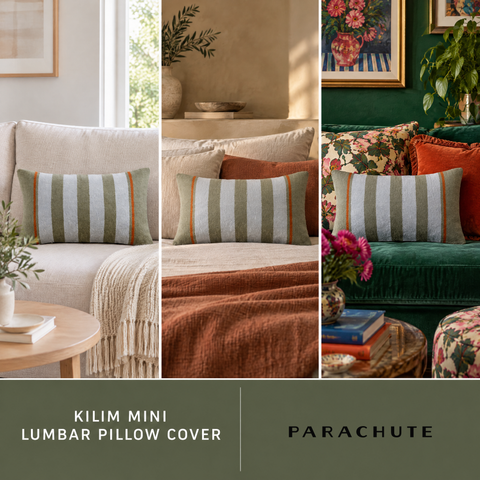 Kilim Mini Lumbar Pillow Cover, Moss and SkySplit screen
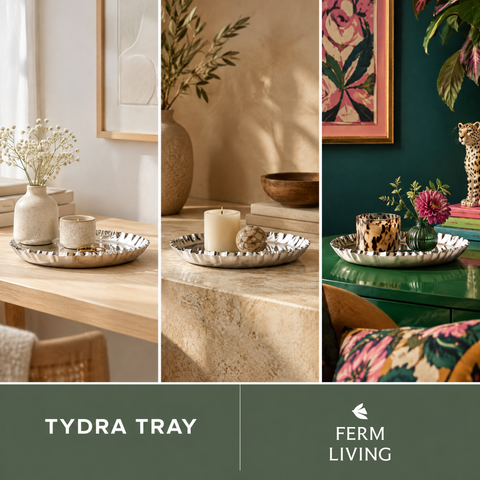 Tydra Tray - Mirror PolishedSplit screen
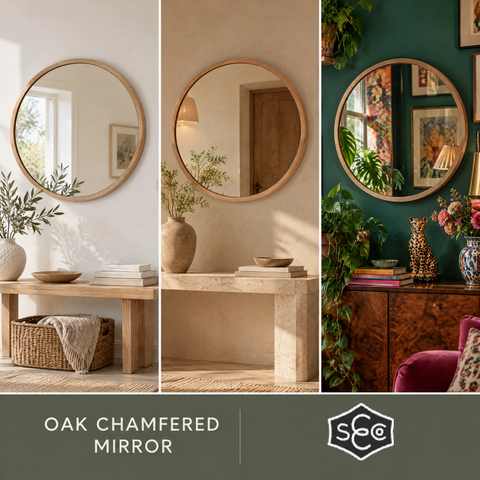 Oak Chamfered MirrorSplit screen
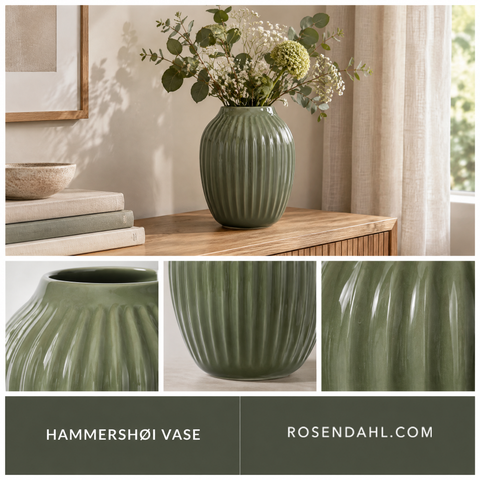 Vase H25.5 cmSplit screen
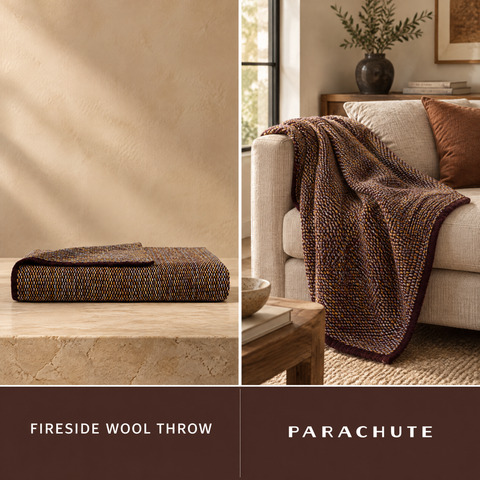 Fireside Wool ThrowSplit screen
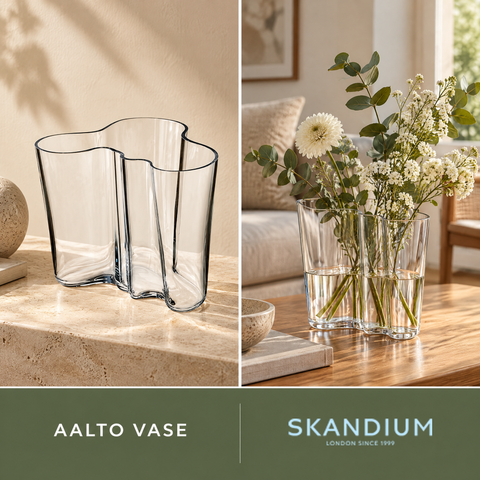 Aalto Vase 160mmSplit screen
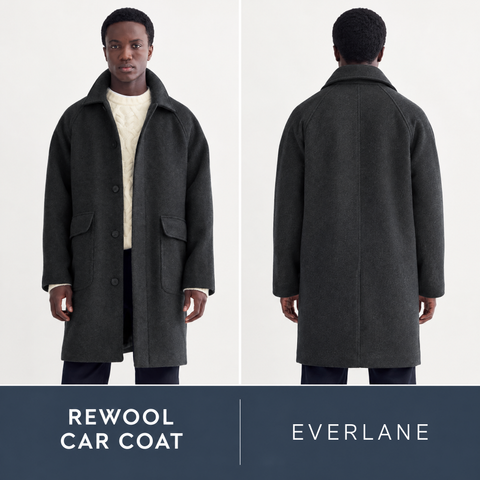 ReWool Car Coat | Heather CharcoalSplit screen
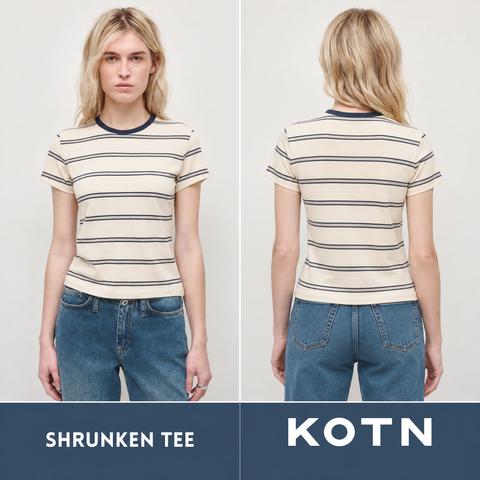 Women's Shrunken Tee in Birch/Deep Ocean/HazeSplit screen
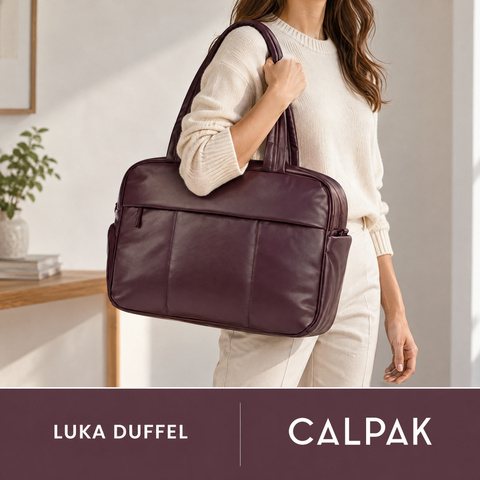 Luka Duffel in Vegan Leather in Dark CherrySplit screen
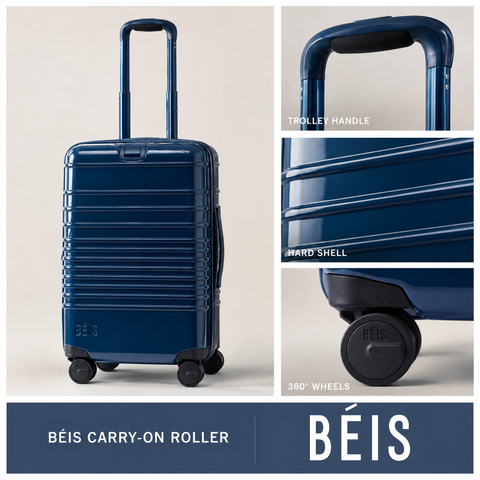 The Carry-On Roller in Glossy MidnightSplit screen
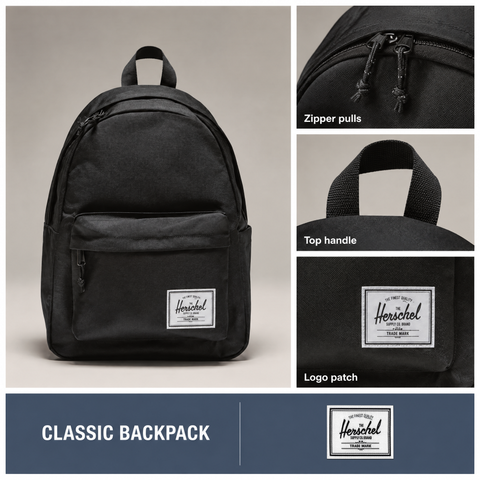 Classic Backpack - 26LSplit screen
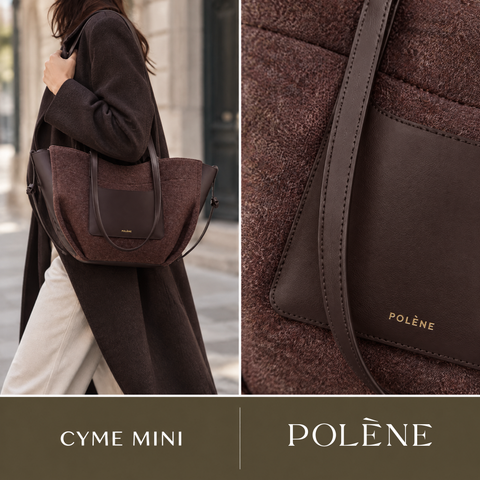 Cyme Mini - Édition Ébène FeutréeSplit screen
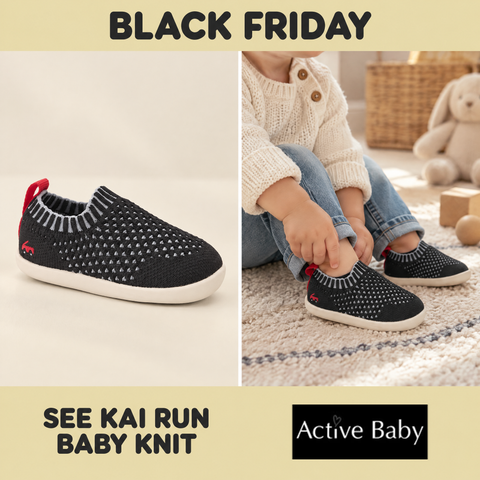 See Kai Run - Baby Knit INF - BlackSplit screen
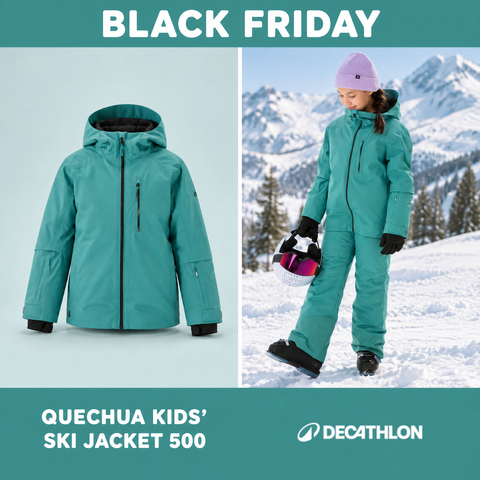 Quechua Kids’ 500 Insulated and Waterproof Ski Jacket 500, 6-14 yearsSplit screen
Try it on your store
Build your own Split screen catalog ads
Paste your store URL — OptiQube drafts creatives in this style for your products in about a minute.
Split screen catalog ads: what works
- Why show two photos instead of one?
- Each half answers a different question. The in-use photo shows scale and context, the close-up shows material and detail, so a shopper gets both before tapping through.
- Which products suit a split screen ad?
- Products where detail sells as much as the overall look — jewelry, watches, bags, shoes, cosmetics — and anything a shopper wants to see both on and up close.
- Where does the shop’s logo go?
- In the band under the photos. The space is kept empty when the image is generated and the shop’s real logo file is placed there afterwards, so the mark is never redrawn.
Related collections
Popular collections
By industry
By format
Combinations
- Books & Stationery Christmas
- Books & Stationery Product only
- Health & Wellness Product only
- Kitchen & Household Black Friday
- Bags & Accessories Product only
- Health & Wellness Christmas
- Kids & Baby Product only
- Bags & Accessories Christmas
- Health & Wellness Black Friday
- Kitchen & Household Christmas
- Apparel Collage
- Bags & Accessories Split screen
- Electronics Badge
- Food & Drinks Christmas
- Health & Wellness Split screen
- Jewelry & Watches Christmas
- Kids & Baby Christmas
- Apparel Lifestyle
- Books & Stationery Badge
- Books & Stationery Black Friday
- Books & Stationery Headline
- Food & Drinks Product only
- Health & Wellness Lifestyle
- Home & Decor Split screen
- Jewelry & Watches Badge
- Kitchen & Household Lifestyle
- Apparel Black Friday
- Bags & Accessories Black Friday
- Beauty & Cosmetics Creative ad
- Kids & Baby Lifestyle
- Toys & Hobby Product only
- Bags & Accessories Lifestyle
- Home & Decor Lifestyle
- Jewelry & Watches Product only
- Kids & Baby Badge
- Kitchen & Household Creative ad
- Toys & Hobby Badge
- Bags & Accessories Badge
- Books & Stationery Lifestyle
- Furniture Lifestyle
- Garden & DIY Product only
- Home & Decor Product only
- Kitchen & Household Headline
- Shoes Black Friday
- Sports & Outdoor Product only
- Apparel Callout
- Electronics Product only
- Food & Drinks Badge
- Food & Drinks Headline
- Health & Wellness Badge
- Health & Wellness Headline
- Jewelry & Watches Callout
- Jewelry & Watches Collage
- Kids & Baby Black Friday
- Kitchen & Household Split screen
- Pet Supplies Lifestyle
- Shoes Product only


