Facebook Retargeting Ads With Meta Catalog Ads: Audiences, Funnel and Creative
 Nikolett Lorincz7 min read
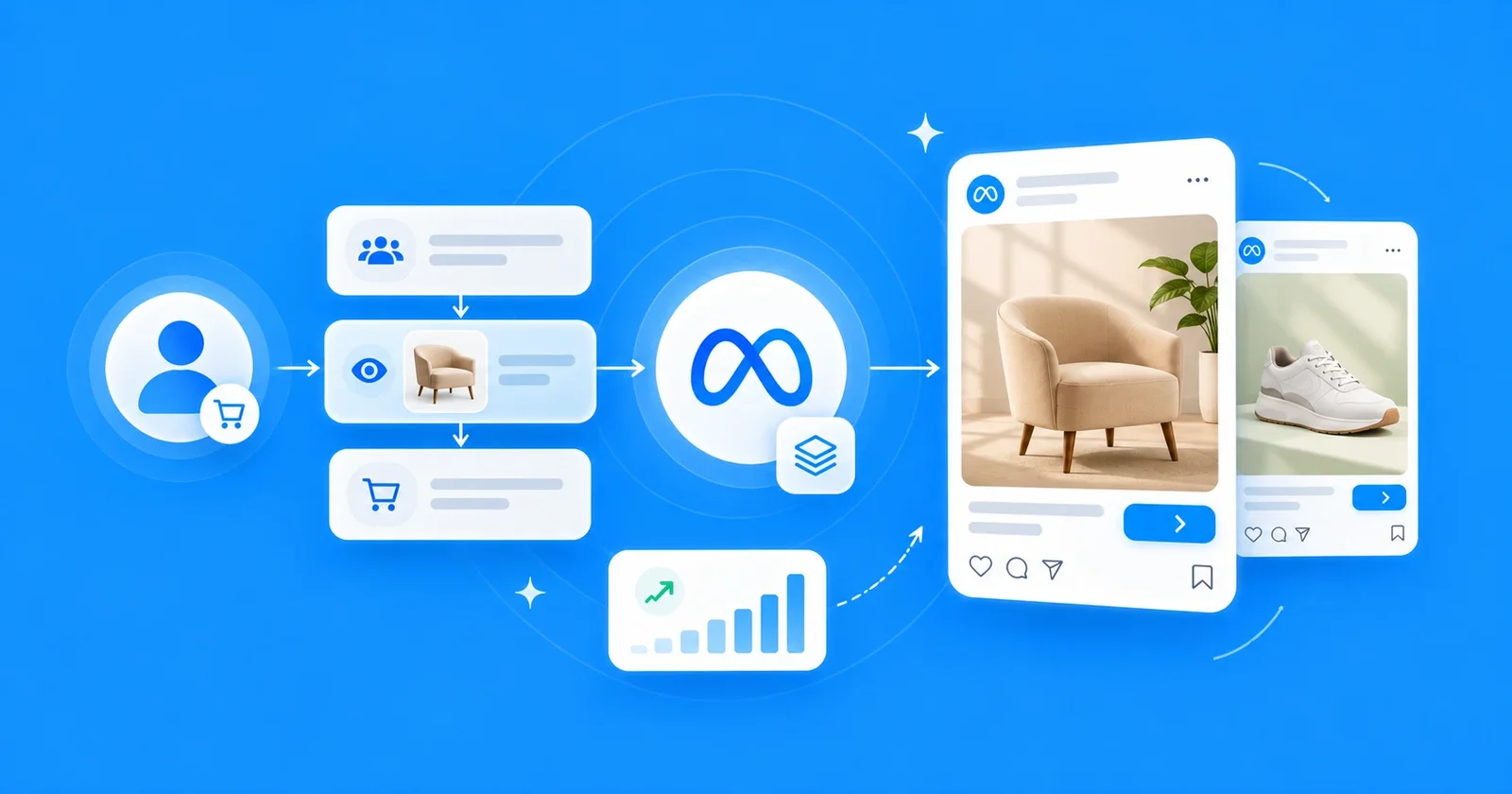
Someone looks at a pair of running shoes on your site, closes the tab and opens Instagram. That is the best moment in all of advertising: you know exactly what they want, and they still haven't bought it.
Facebook retargeting ads were built for that moment and catalog ads made them automatic, but the setup changed in 2025, and most guides still describe options Meta has removed.
This guide shows how Meta retargeting works with your product catalog today: the audience, what Advantage+ does with it, a plan for each stage and the creative that fits. First, what dynamic retargeting actually is.
The short answer: to retarget with Meta catalog ads today, build a catalog custom audience of people who viewed or added products from a product set, exclude recent buyers, and run it with a catalog ad in its own sales campaign or ad set. Advantage+ sales already reaches visitors; a separate setup gives you control over budget, creative and reporting.
What Facebook retargeting ads are, and what dynamic retargeting adds
Retargeting means showing ads to people who have already been to your site or app. Meta's own guide to retargeting covers the general idea; with a product catalog, it becomes much more specific.
Dynamic retargeting shows each person the products they looked at, built from your catalog: the same shoe, its photo, its name and its current price. One campaign covers every product and every visitor, and it updates itself as people browse.
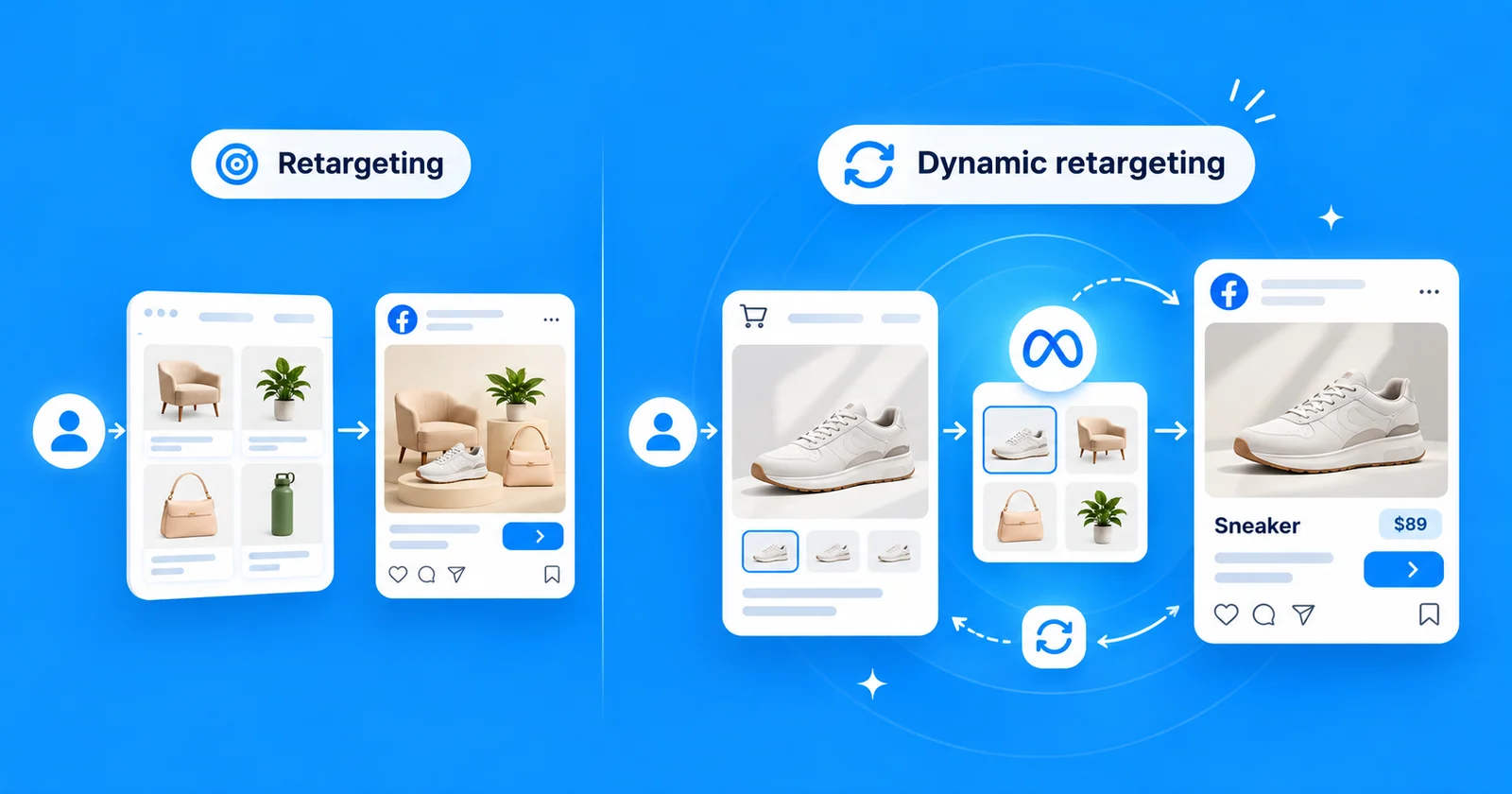
Google calls the same idea dynamic remarketing; this guide is about Meta, where it runs through catalog ads.
What changed in 2025
If you set up catalog retargeting a few years ago, three things work differently now.
| Before | Now | |
|---|---|---|
| Campaign objective | Catalog sales | Sales, with a catalog ad |
| How you choose retargeting | Audience Types: "Retarget ads to people who interacted with your products" | A catalog custom audience you build and add to the ad set |
| Spend on existing customers in Advantage+ | An existing customer budget cap | No cap; reporting by audience segment instead |
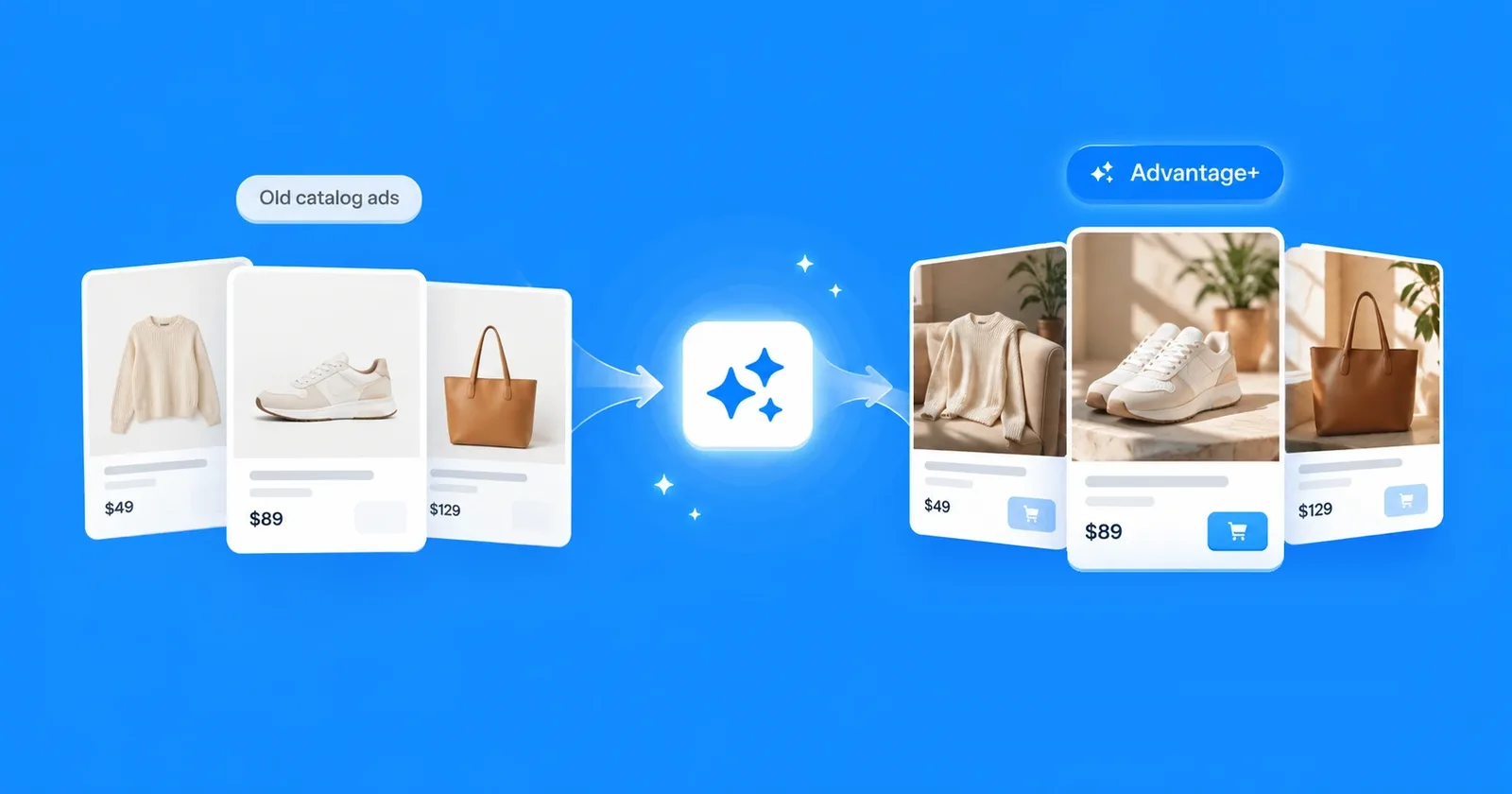
In January 2025 Meta removed the Audience Types option from catalog ads with the sales objective. Advantage+ shopping campaigns became Advantage+ sales, and the existing customer budget cap is gone. What this means for the rest of the campaign is in our guide to Meta Advantage+ catalog ads.
Do you still need a separate retargeting campaign?
Not to reach your visitors. A sales campaign with a catalog ad already shows products to people who viewed them, alongside people who never visited.
A separate retargeting campaign or ad set is about control. It gives returning shoppers their own budget, so prospecting doesn't absorb it; their own creative, because a reminder needs a different image than a first impression; and their own line in the report. It is worth it when your site has enough traffic to fill an audience and enough products for Meta to choose from. A small store with little traffic usually does better with one well-built sales campaign.
Build the audience: catalog custom audiences
The audience is a catalog custom audience, which Meta's developer documentation calls a product audience: "a specific type of custom audience that is dynamically generated from product events." It only works if your Meta Pixel or Conversions API sends product events with IDs that match your catalog; our setup guide covers that part.
In Ads Manager, go to Audiences, then Create audience, Custom audience and Catalog. The form asks for four things:
- Source: the catalog.
- Product set: All Products by default. A narrower set keeps the audience to the products you want to advertise, such as one category or the items in stock.
- Events: the starting option is "People who viewed products from your product set". The underlying events are viewing a product, adding it to the cart and buying it.
- Time window: "In the past 0 – 14 days" by default.
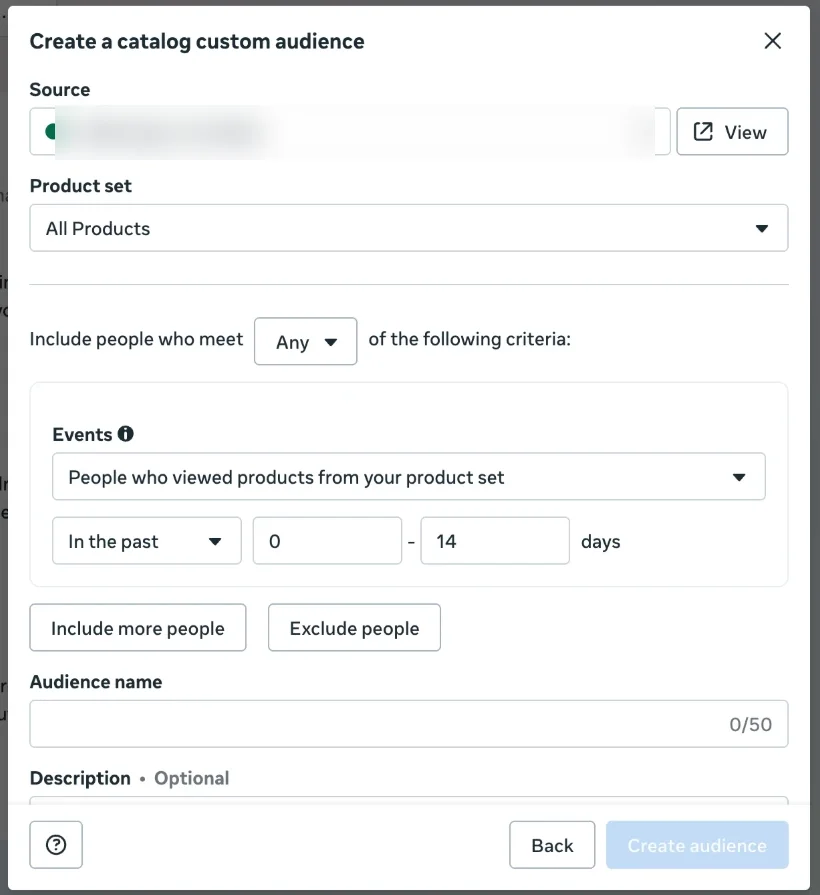
Below the criteria, Include more people adds another rule and Exclude people removes a group, such as people who bought in the same window. Meta's documentation notes that exclusions work at the product-group level: if someone bought one size or color, the other variants of the same product are excluded too.
What Advantage+ does with your audience
This is the step most guides miss. When you add the audience to an ad set with Advantage+ audience on, Ads Manager splits the audience section in two.
- Controls: "We won't reach people beyond these settings, even with Advantage+ on." This holds locations, a minimum age and custom audience exclusions.
- Suggest an audience: "We'll also reach people beyond any custom audience, age, gender and detailed targeting settings you apply when it's likely to improve performance." This is where you include custom audiences.
Meta says it plainly in the saved audience menu: "Looking for a custom audience? You can include one in the Suggest an audience section or exclude one in the Controls section."
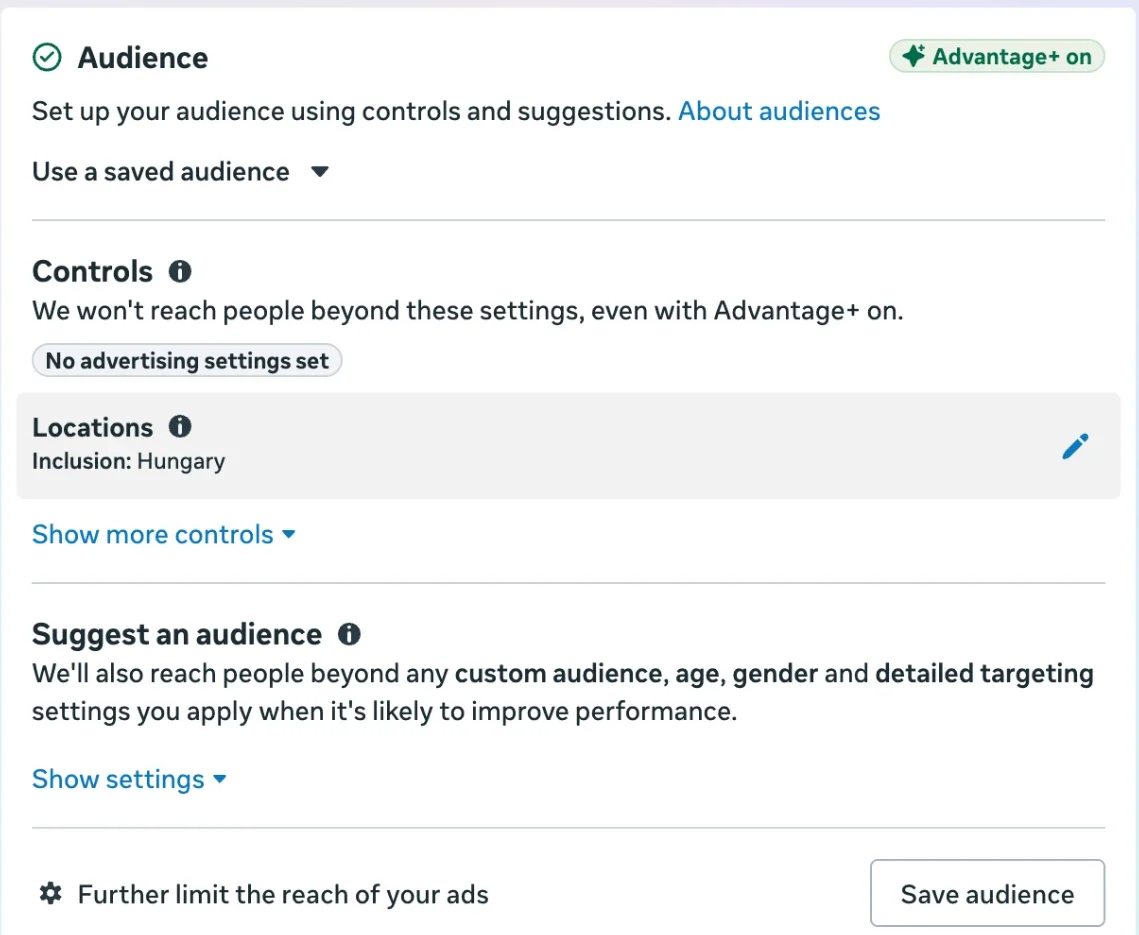
So with Advantage+ audience on, your retargeting audience is a starting point, not a fence: Meta can also show the ad to people outside it. Exclusions, on the other hand, are a hard limit. At the bottom of the section Meta shows a further option, Further limit the reach of your ads; check what it offers in your account before you rely on the suggestion alone.
A retargeting funnel for catalog ads
Not everyone who visited is equally close to buying. Split them into stages, give each stage its own audience and exclusion, and change the creative with the stage.
| Stage | Audience | Exclude | Product set | Creative | Watch |
|---|---|---|---|---|---|
| Viewed, didn't add | Viewed products in the last 14 days | Added to cart or bought in the same window | The products they browse | A reason to come back: a feature, a scene | Click-through rate, cost per add to cart |
| Added to cart, didn't buy | Added to cart in the last 3–7 days | Bought in the same window | The same set | The offer, the price, free shipping if it is real | Cost per purchase |
| Bought | Bought in the last 30–180 days | The same products (an exclusion covers the whole product group) | A complementary set, such as accessories | A different product in a scene | Repeat purchases |
| Lapsed visitors | Viewed 15–60 days ago | Bought since | Bestsellers or the season's products | Seasonal scene or offer | Cost per purchase |
The windows are starting points, not rules. A $20 product sells within days; a sofa can take weeks. Start with Meta's 14 days for viewers and adjust to the time your own customers take to buy.
Set up the campaign
- Campaign: Sales objective, with your catalog.
- Ad set: add the stage's catalog custom audience under Suggest an audience, and the stage's exclusion under Controls. Keep locations the same as your prospecting campaign.
- Prospecting campaign: exclude your retargeting audiences there too, if you want the two budgets kept apart. Otherwise both campaigns bid for the same people.
- Ad: a catalog ad with the stage's product set. Our setup guide shows the product set menu at the ad level.
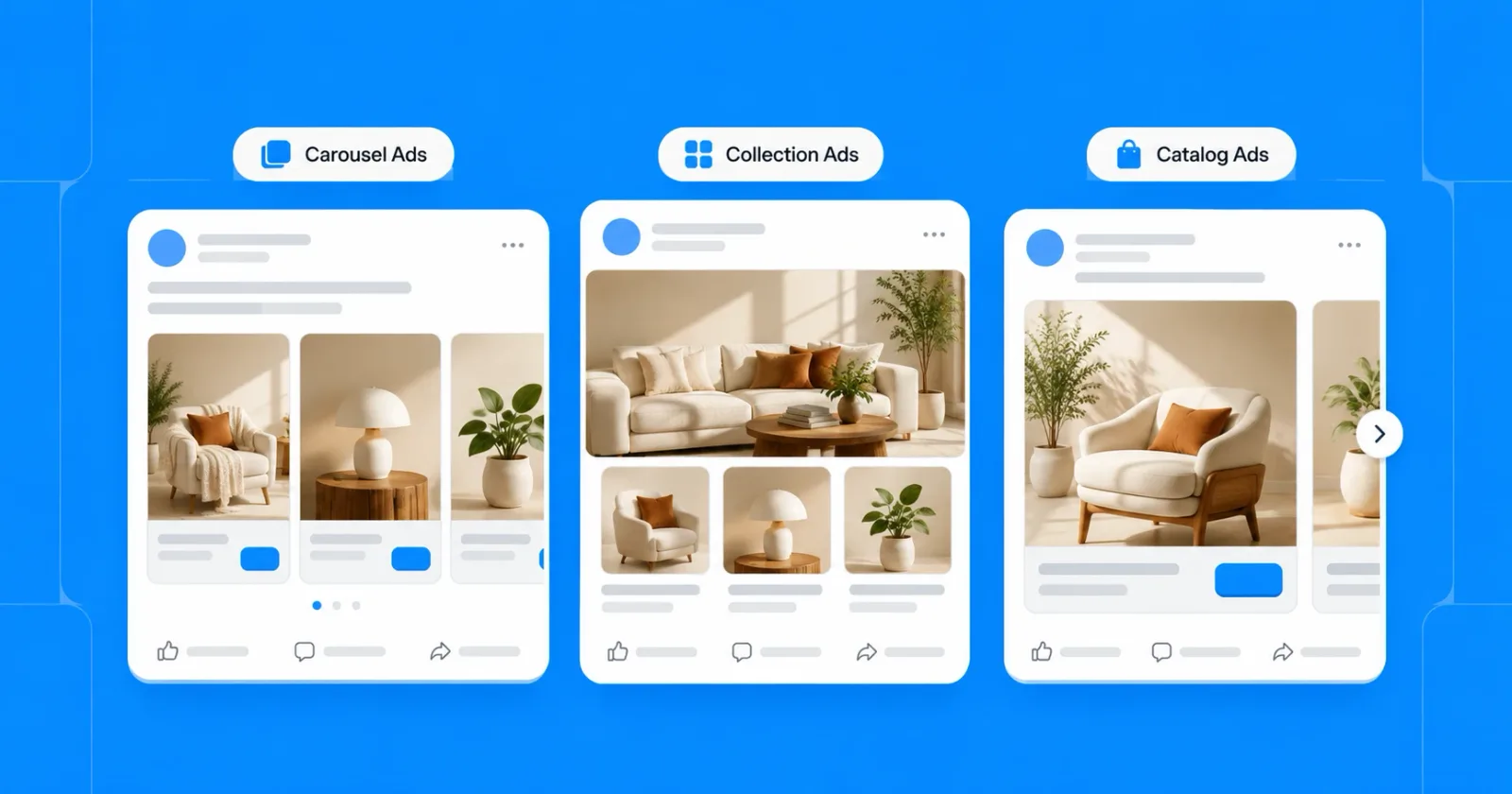
- Format: a carousel shows the viewed product next to similar ones, which suits retargeting well; see carousel vs collection vs catalog ads for the trade-offs.
The creative for each stage
A returning shopper has already seen your packshot, on the product page they left. Showing the same photo again is a reminder at best. Change the image with the stage.
Viewed, didn't add: give them the reason they didn't see on the page. A feature, a use, a scene.

Added to cart, didn't buy: this is where the offer belongs, if you have one. A sale, free shipping, a bundle, said once and clearly.

Bought: show the next product, not the last one. A complementary item in a setting that fits how they use the first.

OptiQube, our product, generates images like these for every product in a catalog, so each stage can get its own version of the same product. The 12 catalog ad design rules cover what to put on them.
Frequency and fatigue
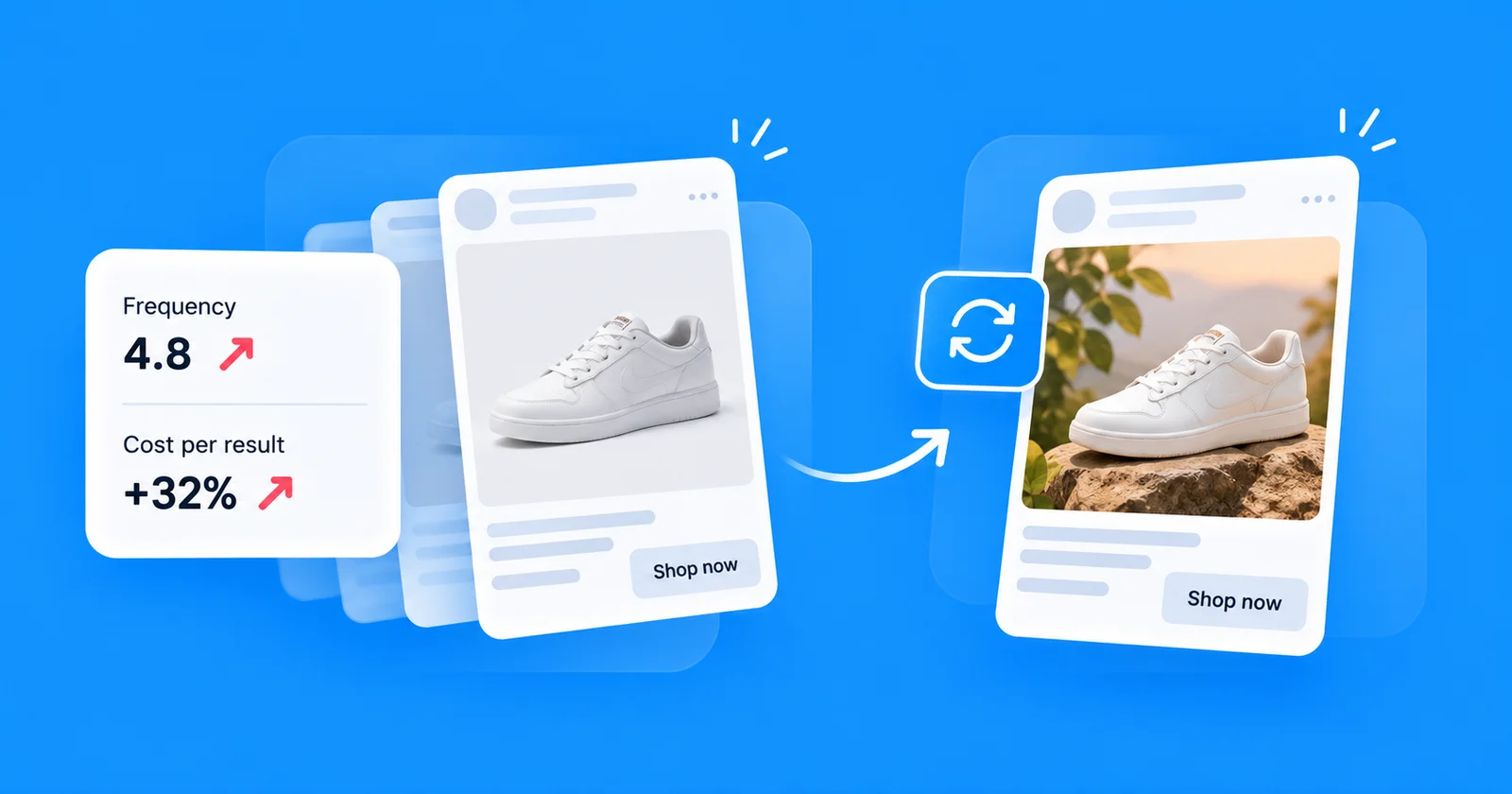
Retargeting audiences are small, so the same people see the same ads quickly. Watch frequency in Ads Manager, and when cost per result climbs while frequency rises, change the image before you change the audience.
A second version of the creative per stage, swapped every few weeks, is usually enough for a store with steady traffic. Our guide to Meta ad creative shows how to test the new version before it replaces the old one.
How to measure catalog retargeting
Retargeting always looks good in reports, because the people in it were already close to buying. Some of them would have bought anyway, so compare it with care.
Meta's Audience segments help here. In the ad account settings you define two segments with custom audiences: an engaged audience, "people who are aware of your business or interacted with your products or services, but have not made a purchase", and existing customers, "people who have purchased your products or signed up for your services". The settings apply to every sales campaign in the account.
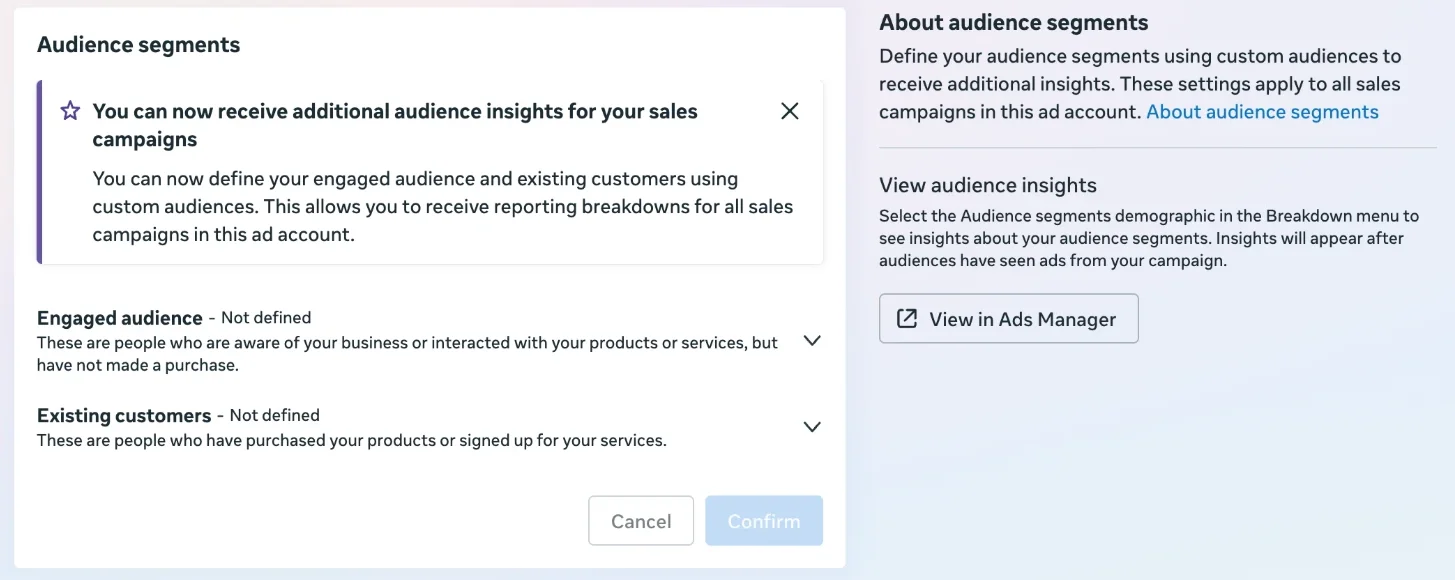
After that, the Breakdown menu in Ads Manager shows spend and results by segment, so you can see how much of a campaign's budget goes to new people and how much to people who already knew you. Judge retargeting by what it adds on top of prospecting, not by its ROAS alone.
Frequently asked questions
How do I retarget website visitors with Meta catalog ads?
Create a catalog custom audience in Ads Manager: pick your catalog and a product set, choose people who viewed or added products to their cart, and set a time window. Use it in a sales campaign with a catalog ad and exclude recent buyers. With Advantage+ audience on, the included audience is only a suggestion.
What is dynamic retargeting on Facebook?
Dynamic retargeting shows people the exact products they viewed or added to their cart on your site, pulled from your product catalog. Meta builds each ad from the product's image, name and price, so one campaign can remind thousands of visitors of thousands of different products without a separate ad for each one.
What happened to the retargeting option in Meta catalog ads?
In January 2025 Meta removed the Audience Types option from catalog ads with the sales objective, so you no longer tick a box to retarget people who interacted with your products. Retargeting now runs through catalog custom audiences that you build yourself and add to the ad set.
What is a catalog custom audience?
It is a custom audience Meta builds from product events, such as viewing or adding products from a product set, which your Meta Pixel or app sends. Meta's developer documentation calls it a product audience. It updates itself as people browse, so the ad always knows which products each person looked at.
Do I still need a separate retargeting campaign with Advantage+ sales?
Not to reach visitors: Advantage+ sales already shows catalog products to people who viewed them. A separate campaign or ad set gives you a fixed budget, a creative made for returning shoppers and cleaner reporting. With Advantage+ audience on, a custom audience you include is only a suggestion, so check what the ad set actually reaches.
How long should the retargeting window be?
Meta's form starts at 14 days for people who viewed products. Shorter windows, such as 3 to 7 days for people who added to cart, keep the audience close to the purchase; longer ones, up to 30 days or more, suit expensive products people think about. Test the window against your own sales cycle.
Should I exclude purchasers from catalog retargeting?
Usually yes, for the products they already bought. In the ad set, exclusions sit under Controls, and Meta treats them as a hard limit even with Advantage+ on. Meta's documentation adds that a product audience can exclude people at the product-group level, so a buyer of one size or color is not shown the same item again.
What creative works best for catalog retargeting?
It depends on the stage. Someone who only viewed a product needs a reason, such as a feature or a scene. Someone who left a cart may need the offer or the price. A buyer is ready for a different, complementary product. The same packshot they saw on your product page rarely does any of these.
Retarget with a better reason to come back
The audience decides who sees the ad again; the image decides whether they come back. Build the audience in stages, check what Advantage+ does with it, and give each stage an image that says something the product page didn't.
Browse the ad library for creatives by industry and style, or start for free and generate catalog ad creatives for your own feed.